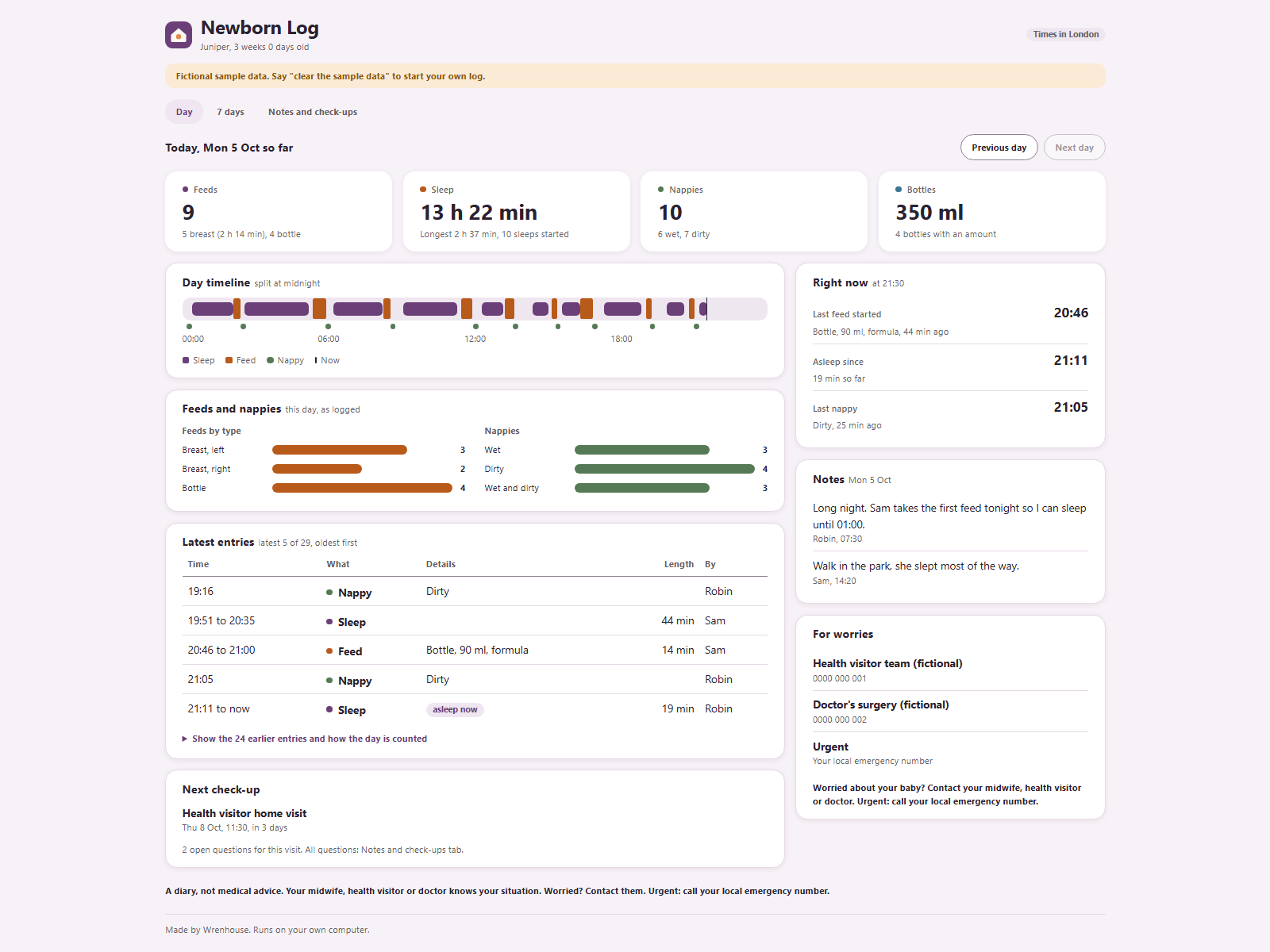
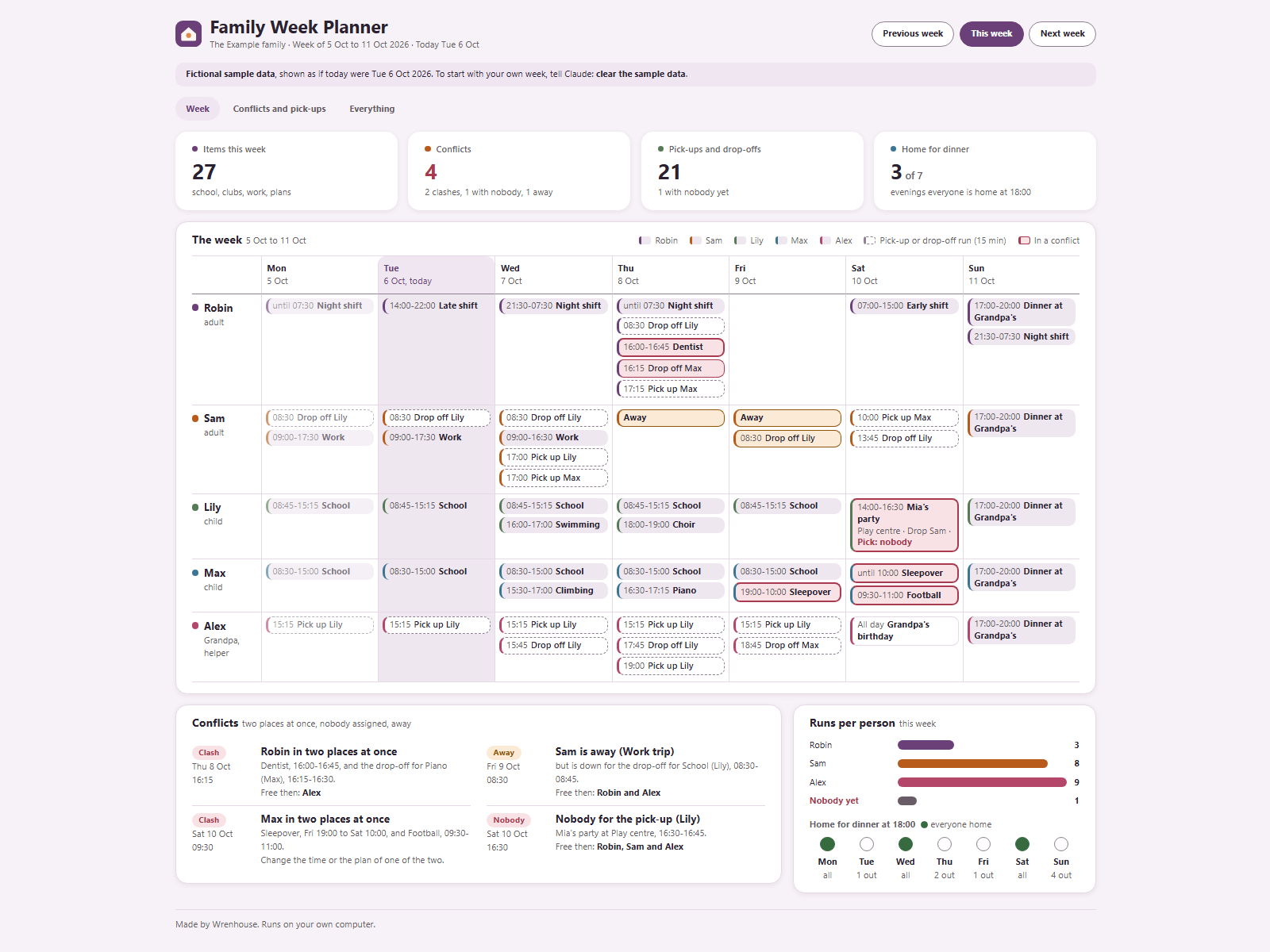
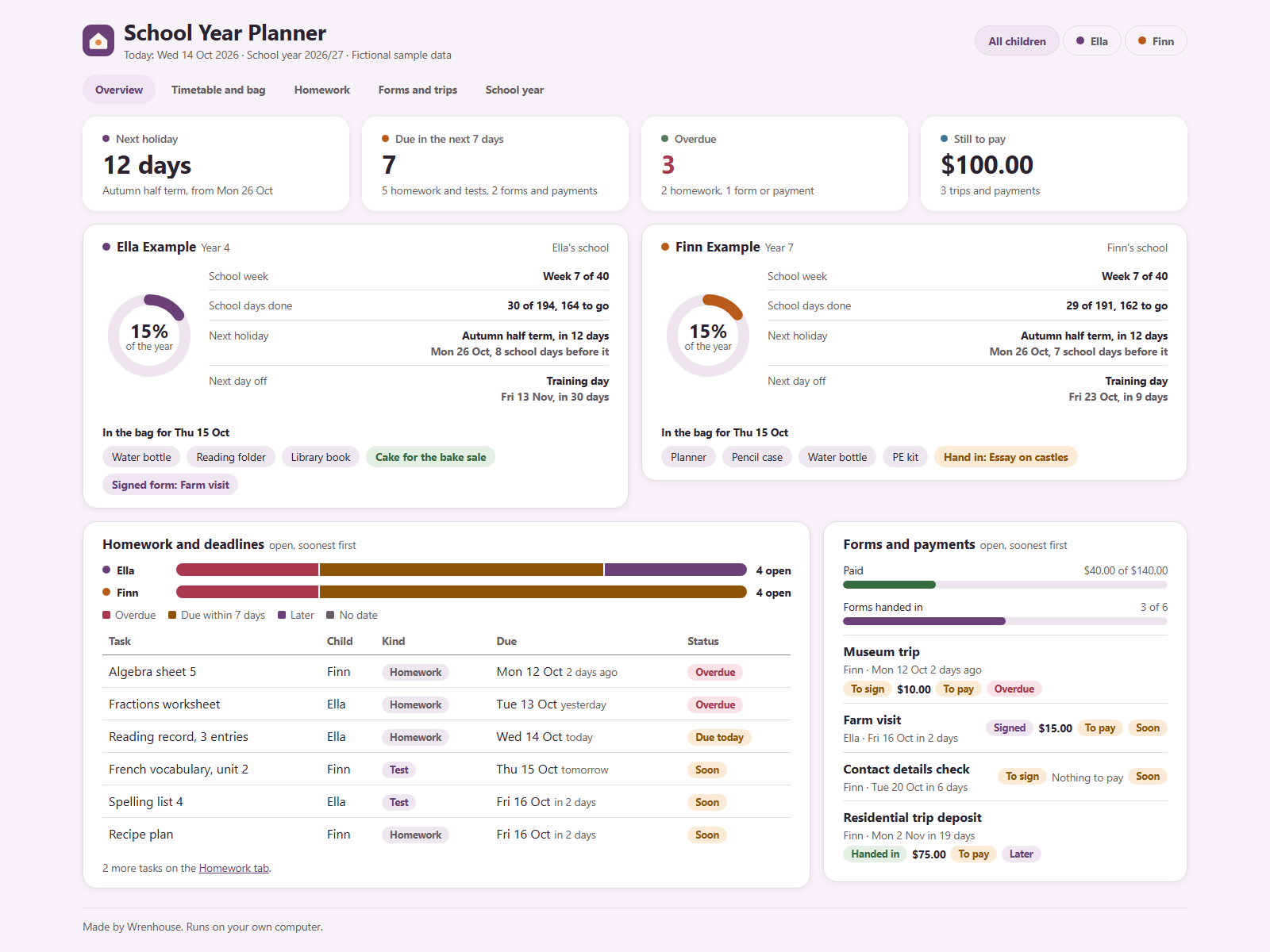
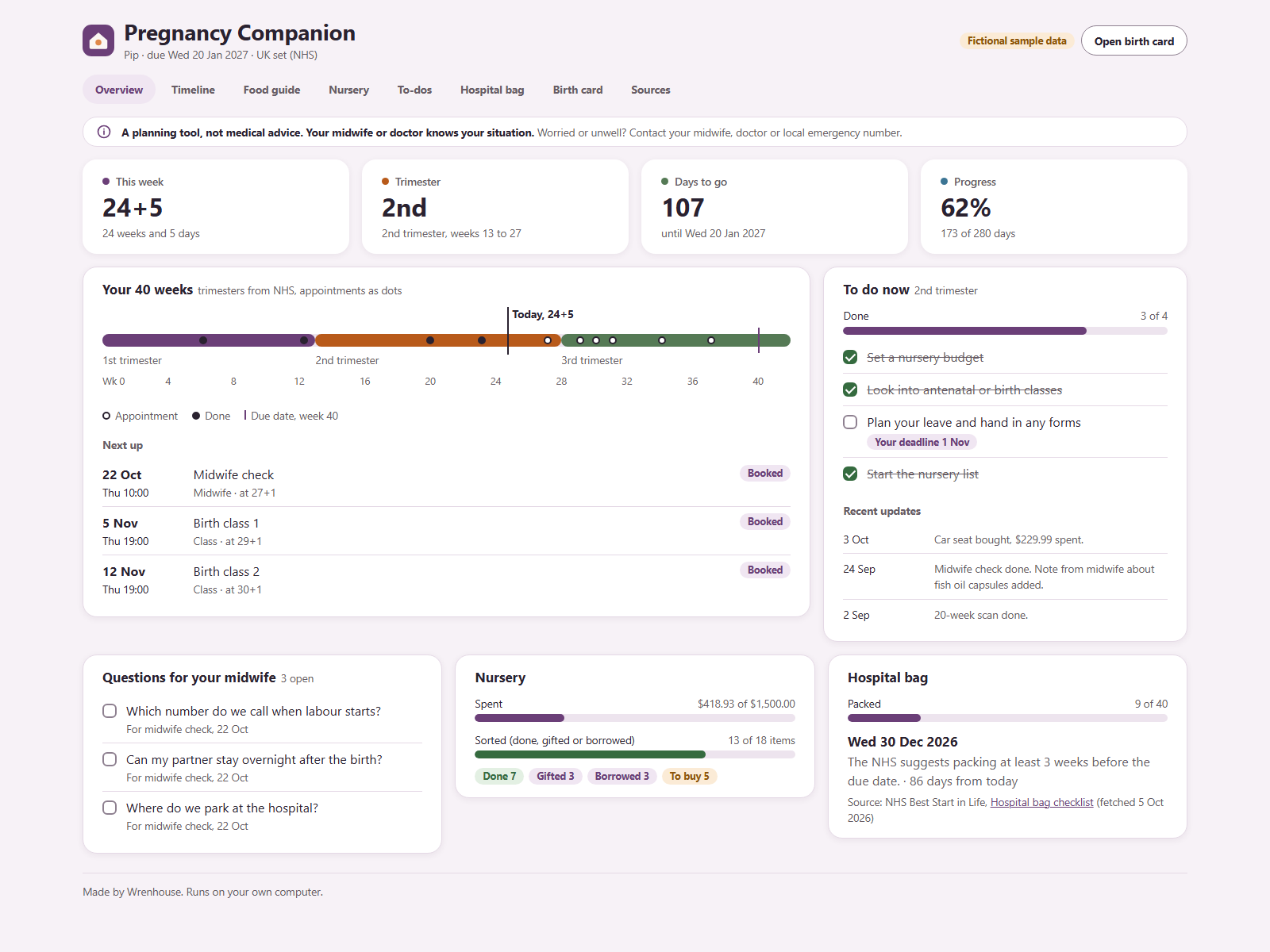
Real screenshot of the Newborn Log dashboard, view 1 of 2, filled with the sample data that comes in the kit.
What you get
Log feeds, sleeps and nappies in your own words
See each day as a timeline, also across midnight
Look back over 7 days, share notes, keep check-up questions
A diary, not medical advice. Worries go to your midwife or doctor
How you talk to it
Plain language is enough. Tap a sentence to copy it.
What's in the zip
Setup script that asks up to five short questions
Offline dashboard with day, 7-day and notes views
Three skills: log, look back, and check-up notes
Two weeks of fictional sample data and a guide
See the folders and files
READ ME.txtwhere to start
Ownkit/START.mdthe setup steps Claude follows
Ownkit/Templates/dashboard.htmlthe dashboard, opens in your browser
Ownkit/Templates/CLAUDE.md and skills/the rules and skills Claude works with
Ownkit/Sample data/sample data to try it out
Ownkit/Guide.mda one-page guide
Checked before listing: no installers or app files (.exe, .dmg and the like), no hidden instructions. Every file is plain text you can open and read.
What you need to run it
Claude desktop appAI base · Needs a paid plan: Claude Code is not part of the Free plan
Paid
A web browserOpens the dashboard
Free
Not included: a paid plan for Claude desktop app. The kit itself is a one-time payment.
Install in one line
Unzip the kit into a folder of its own.
Open the Claude desktop app, go to the Code tab and choose that folder.
Paste this line and press Enter:
Read Ownkit/START.md and follow it.
Claude asks a few short questions and sets everything up. Interrupted? Type: continue
Reviews
No reviews yet. Ownkit is new and reviews are not open yet. Until they are, you can check the real screenshots, the file list and the refund rules on this page.
 by WrenhouseRuns on Claude