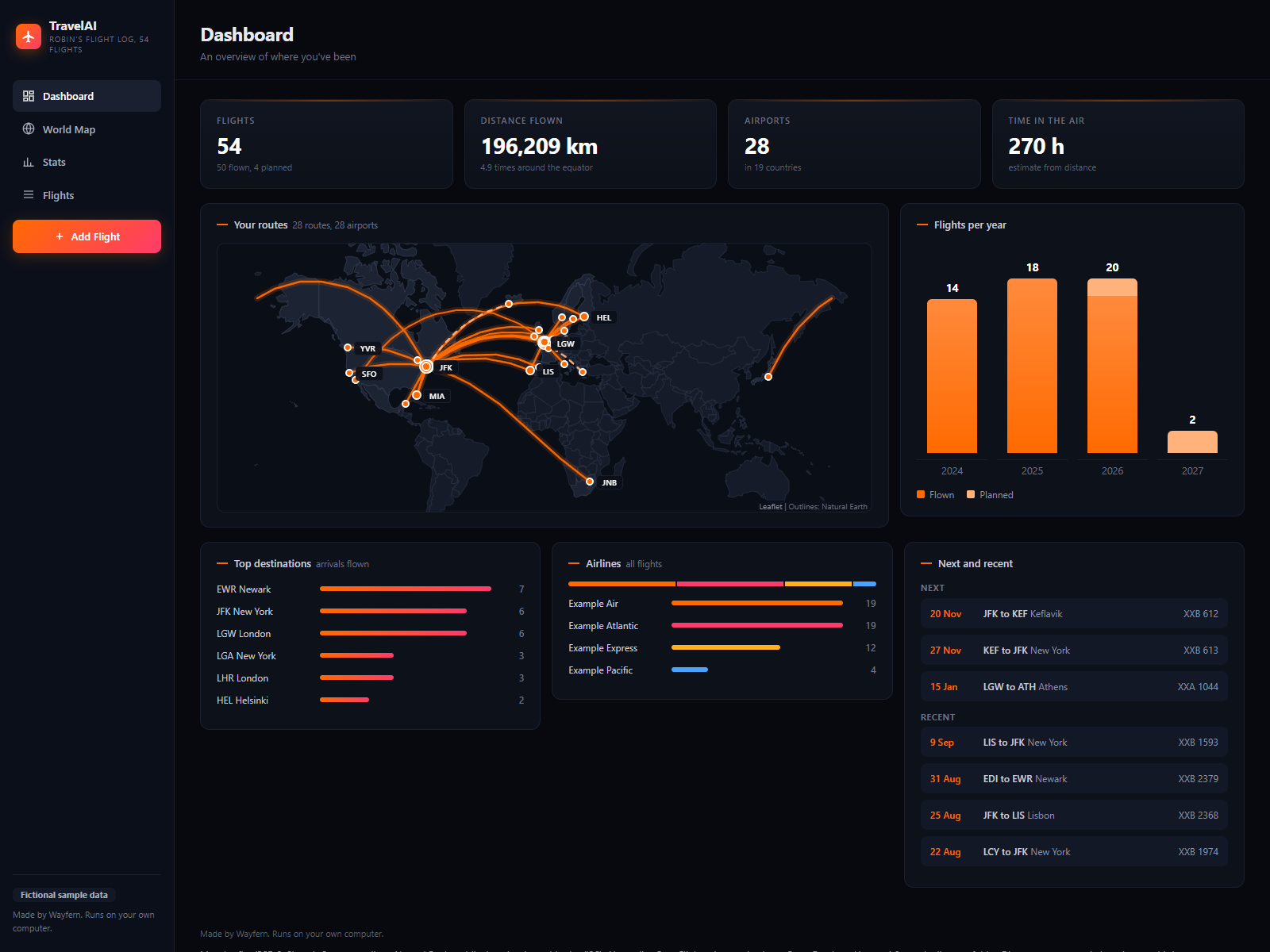
Team pick for frequent flyers by WayfernRuns on your AI
TravelAI Flight Map
Every flight you log on a world map, with your stats.
by WayfernRuns on your AIUS$14.99
Kits are ready-made dashboards with their own data files. You keep them up to date by typing one sentence to your own AI.
Works with your AI, like ChatGPT, Gemini, Grok or Claude. Also on your phone, also on a free plan.
Every flight you log on a world map, with your stats.
by WayfernRuns on your AI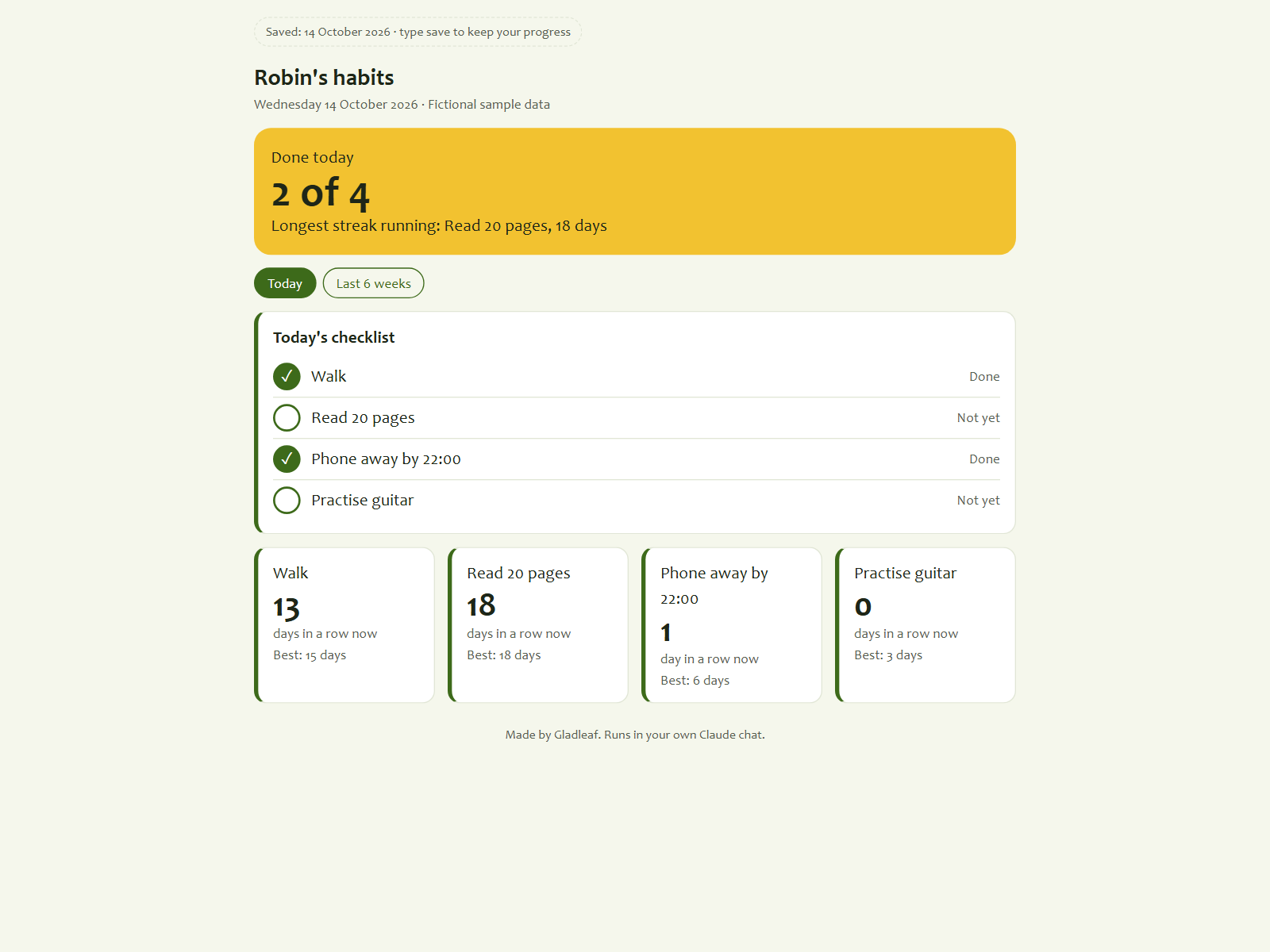
See every habit and your streak at a glance.
 by GladleafRuns on ClaudeFree Claude plan works
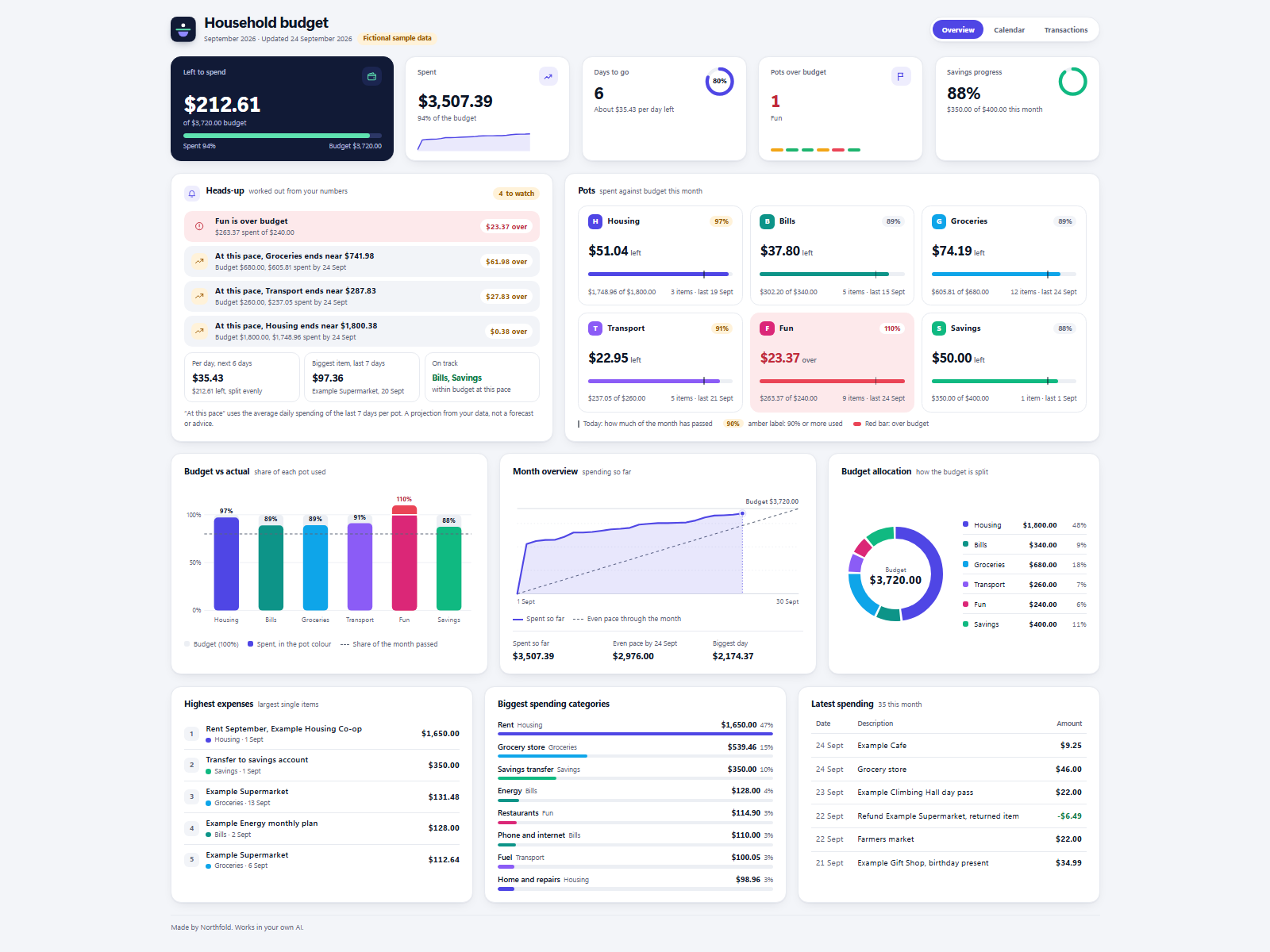
See what is left in every budget pot this month.
 by NorthfoldRuns on your AI
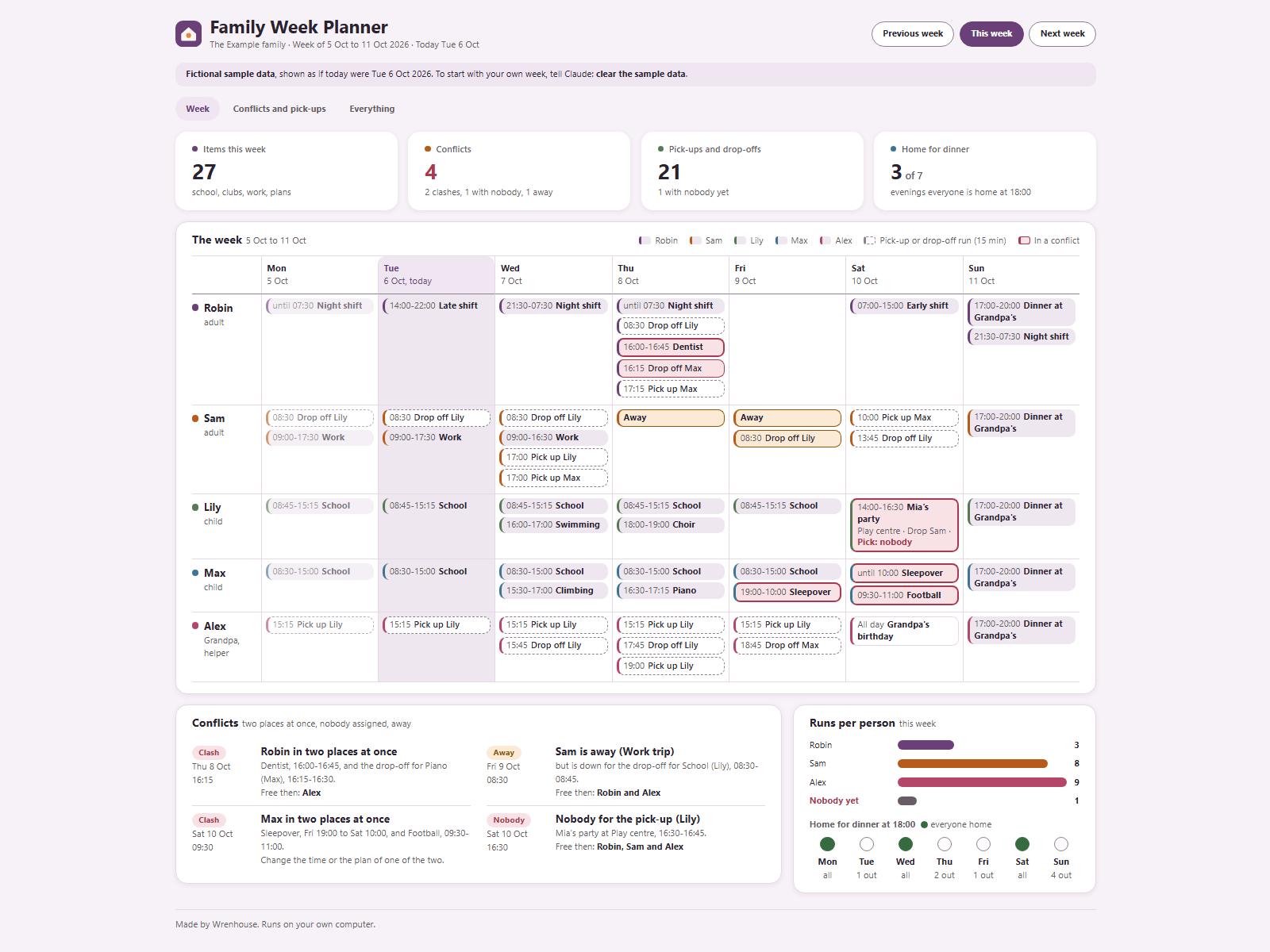
See everyone's week and catch clashes early.
 by WrenhouseRuns on your AI
Every kit on Ownkit today comes from shops run by the Ownkit team: Northfold, Halden, Wrenhouse, Saltmark, Wayfern, Kitebloom, Merrymeet and Gladleaf.
The family week, pick-ups and the school year, planned in one go.
3 kits, US$79.97 separately, you save US$19.98 (24%)
by WrenhouseThree everyday kits to start with: the week, the pick-ups and the meals.
3 kits, US$59.97 separately, you save US$9.98 (16%)
Oby the Ownkit teamYour smoker, your sous vide and the family recipes, in one kitchen set.
3 kits, US$99.97 separately, you save US$19.98 (19%)
 by Saltmark
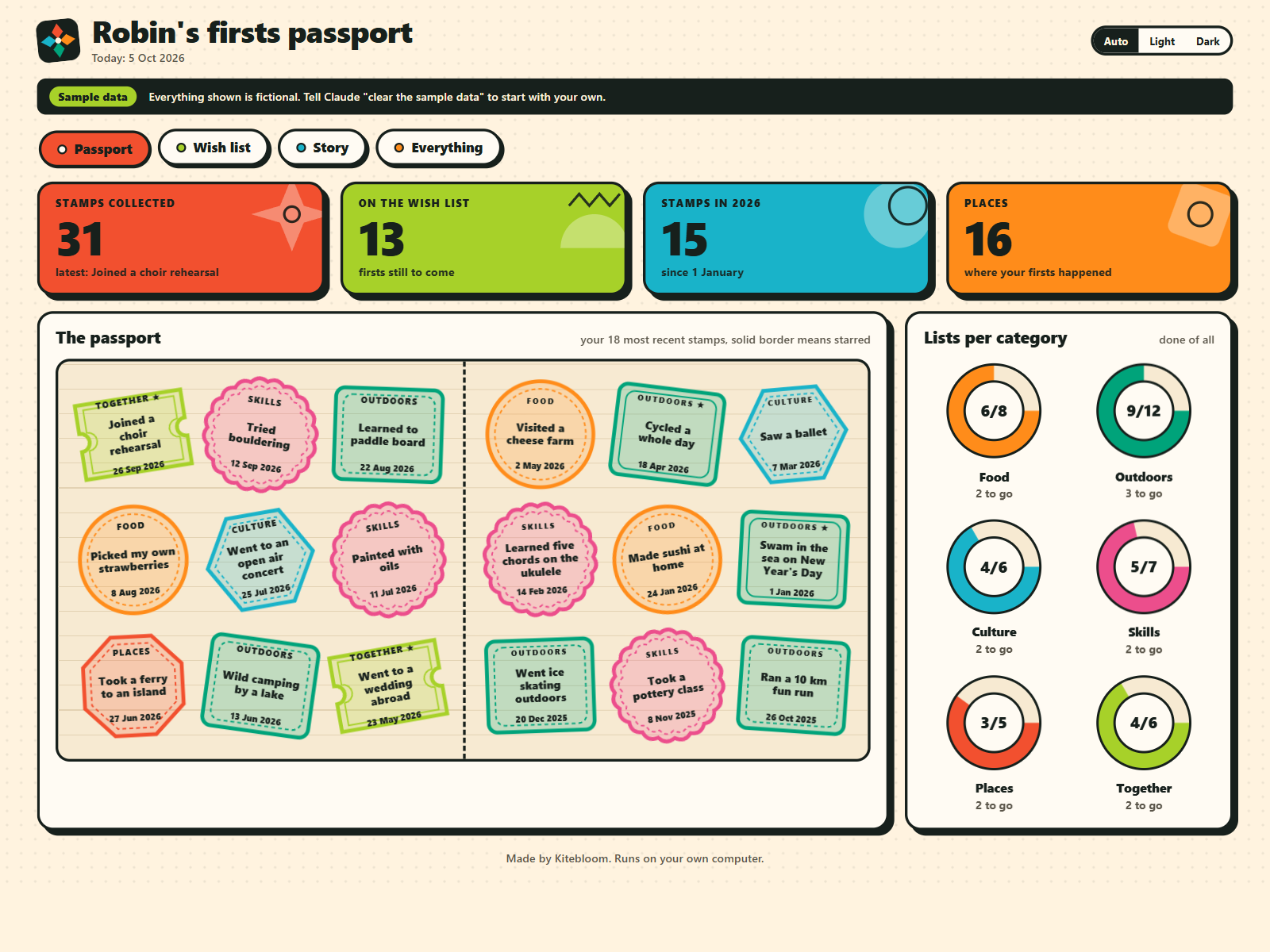
Your records, your days, your projects and your firsts, in four colourful kits.
4 kits, US$84.96 separately, you save US$19.97 (23%)
 by Kitebloom
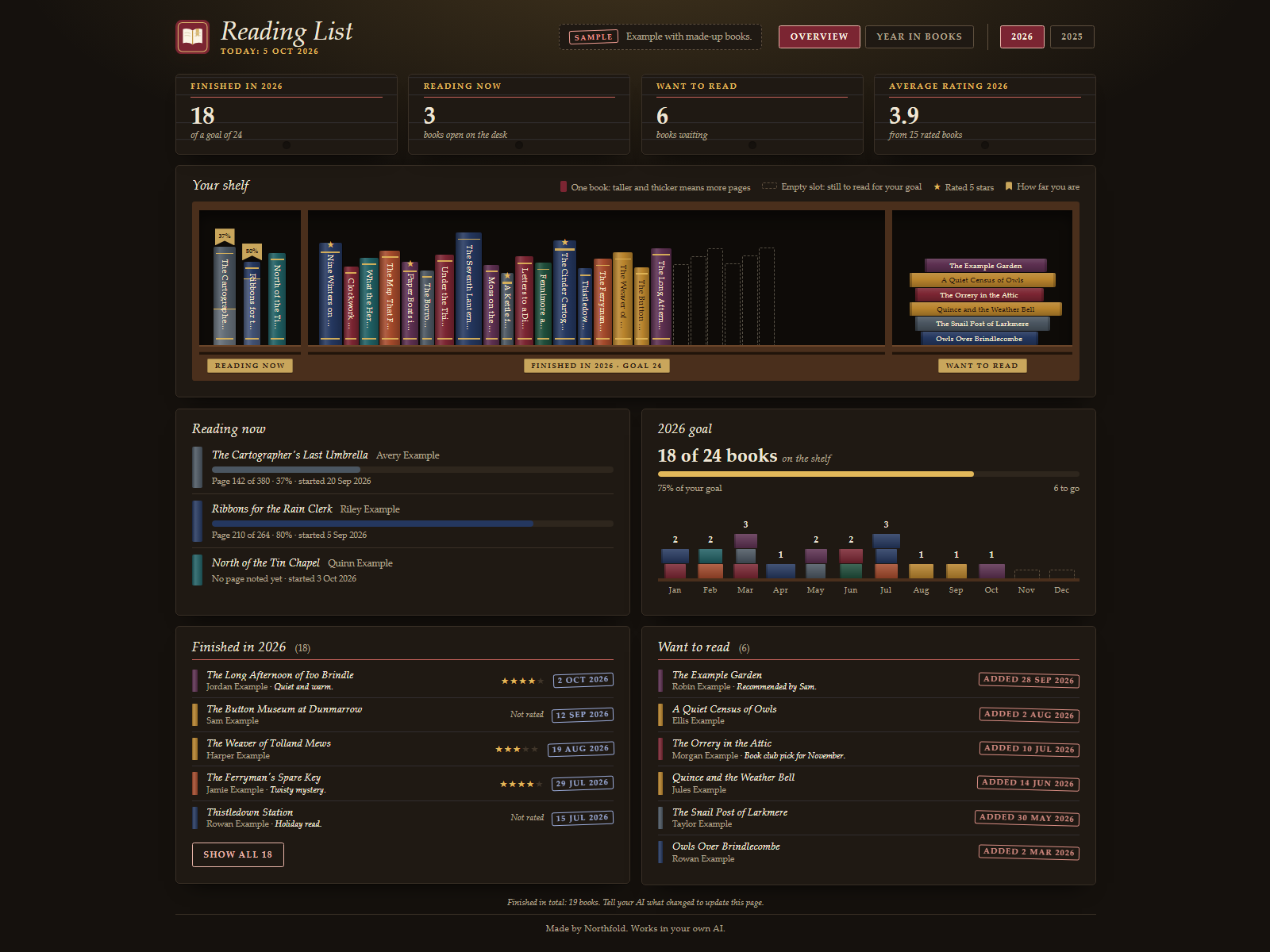
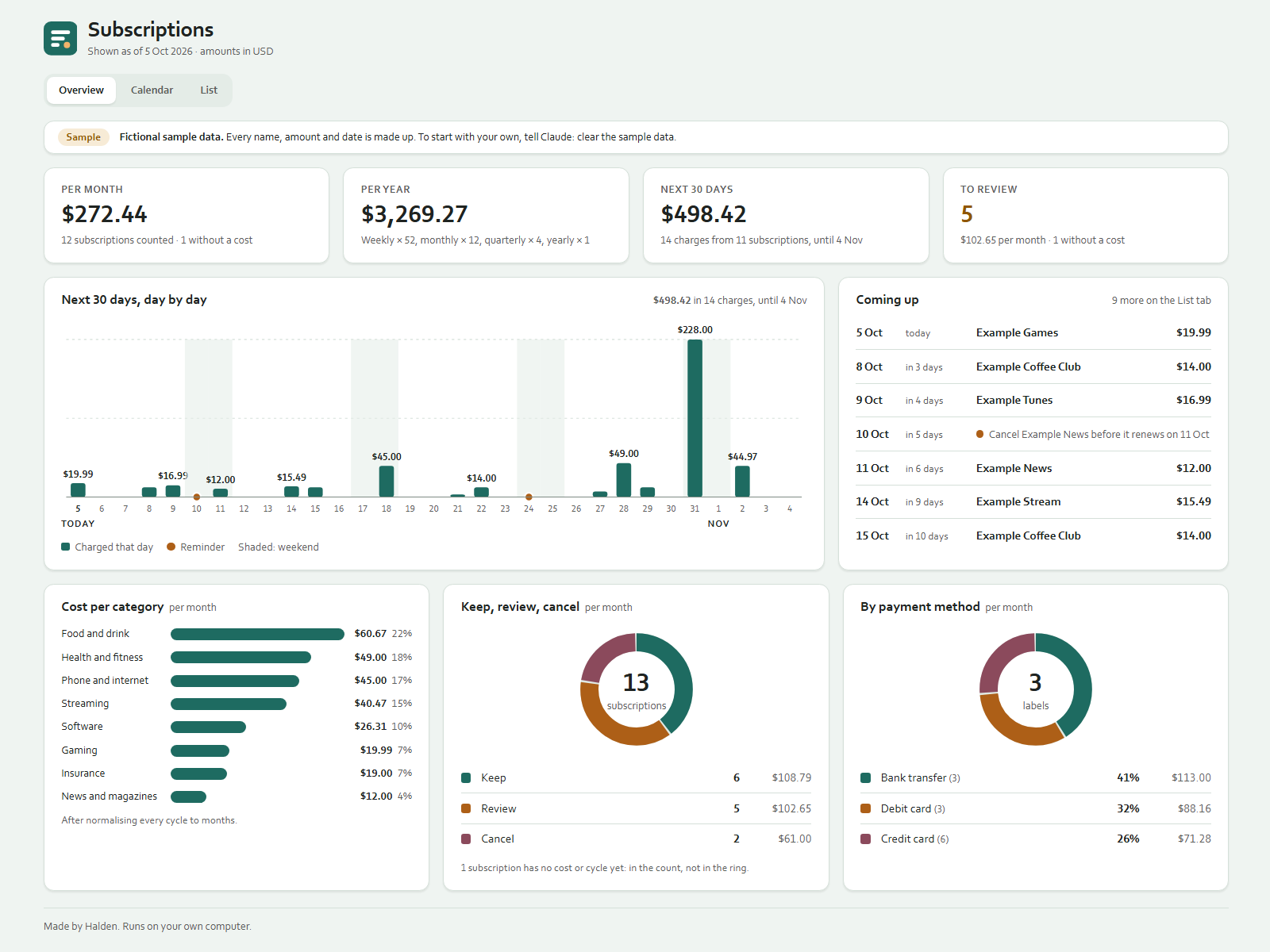
See every subscription and what it costs per month.
 by HaldenRuns on your AI
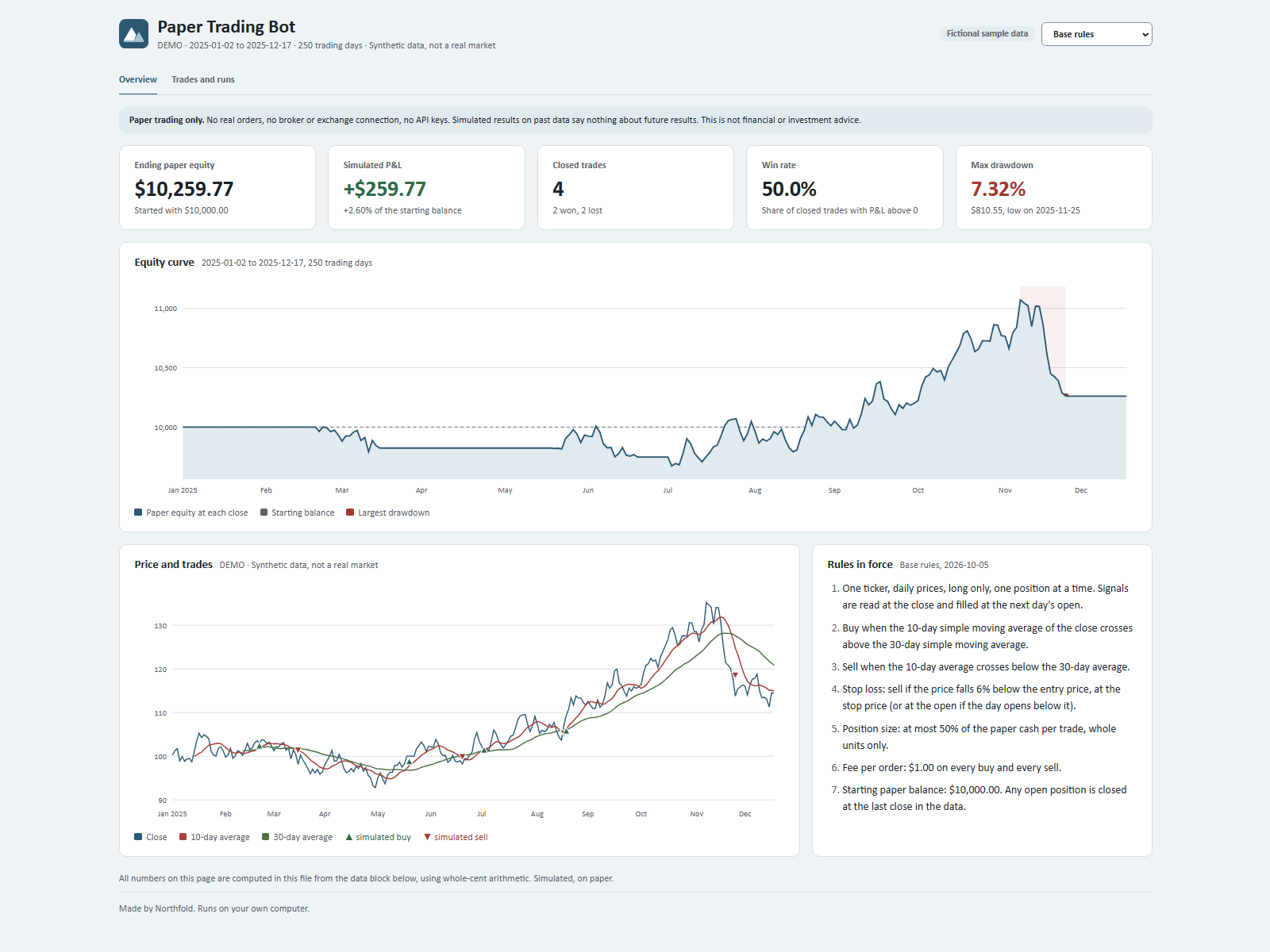
Test your trading rules on paper, with no real money.
by NorthfoldRuns on your AI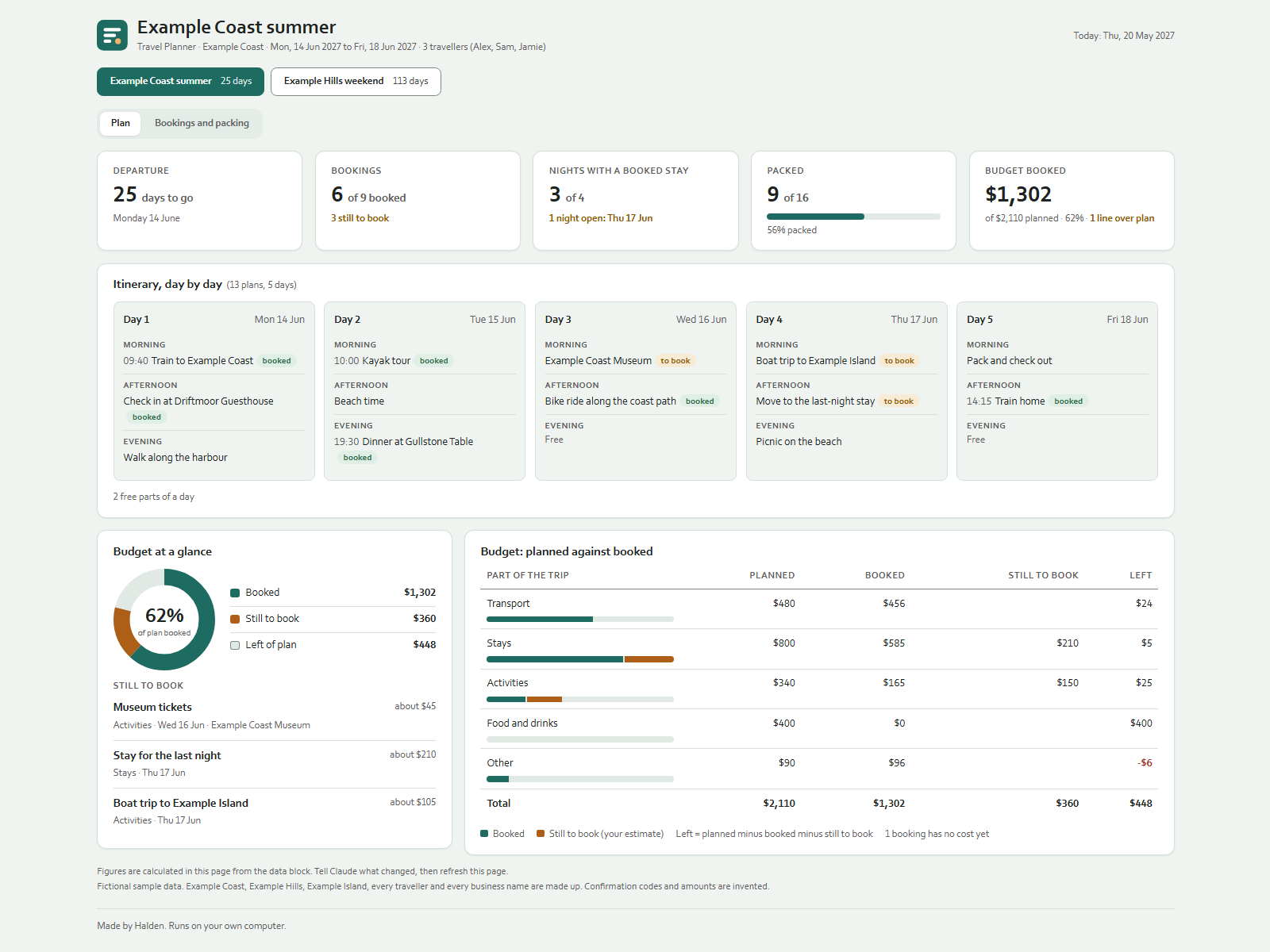
Plan each trip day by day, with bookings and packing.
by HaldenRuns on your AI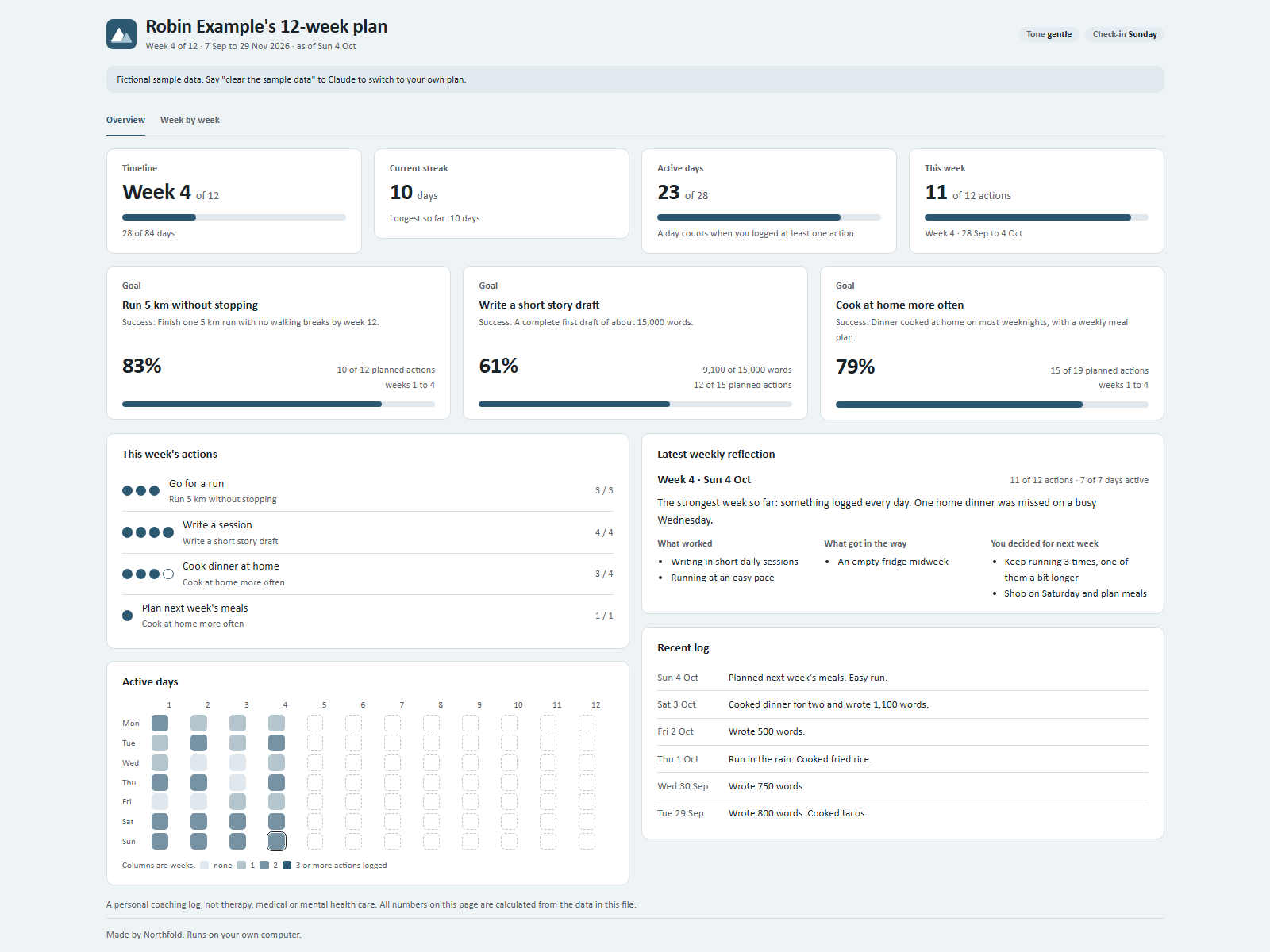
Keep your 12-week goals in view, one day at a time.
by NorthfoldRuns on your AI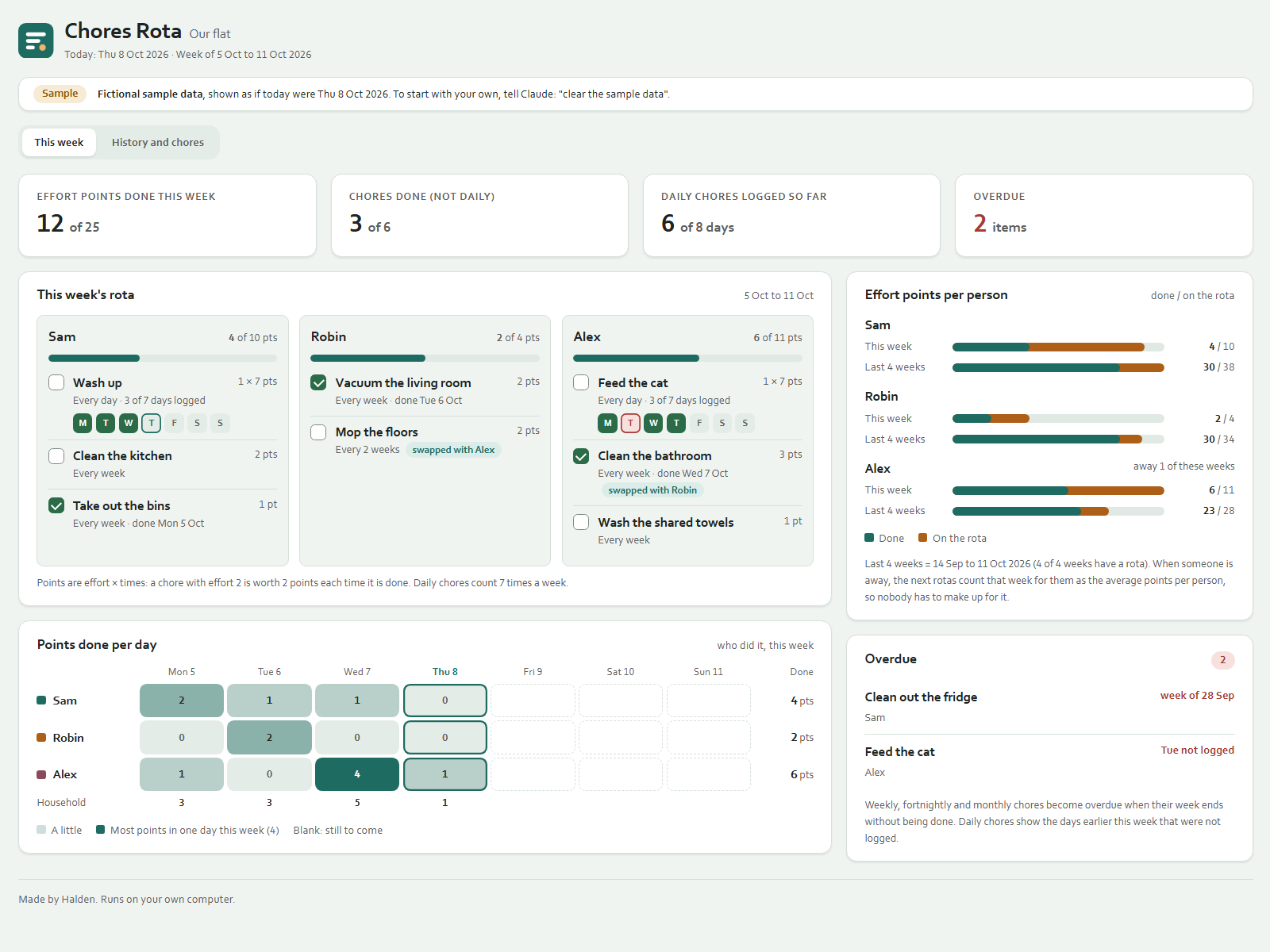
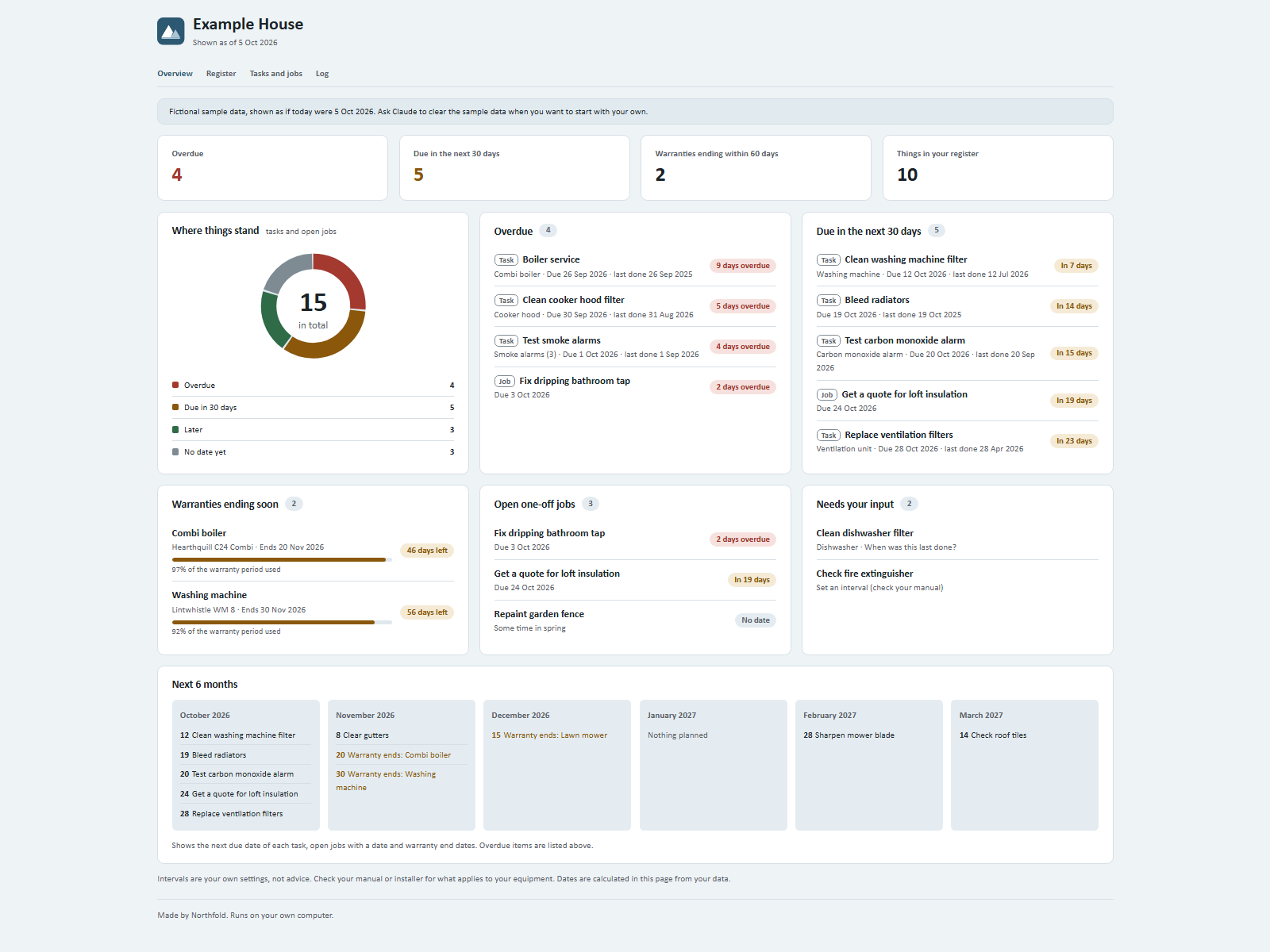
Know what your home needs and when it is due.
by NorthfoldRuns on your AI
Compare what you pay per kg, litre or piece, by store.
by HaldenRuns on your AI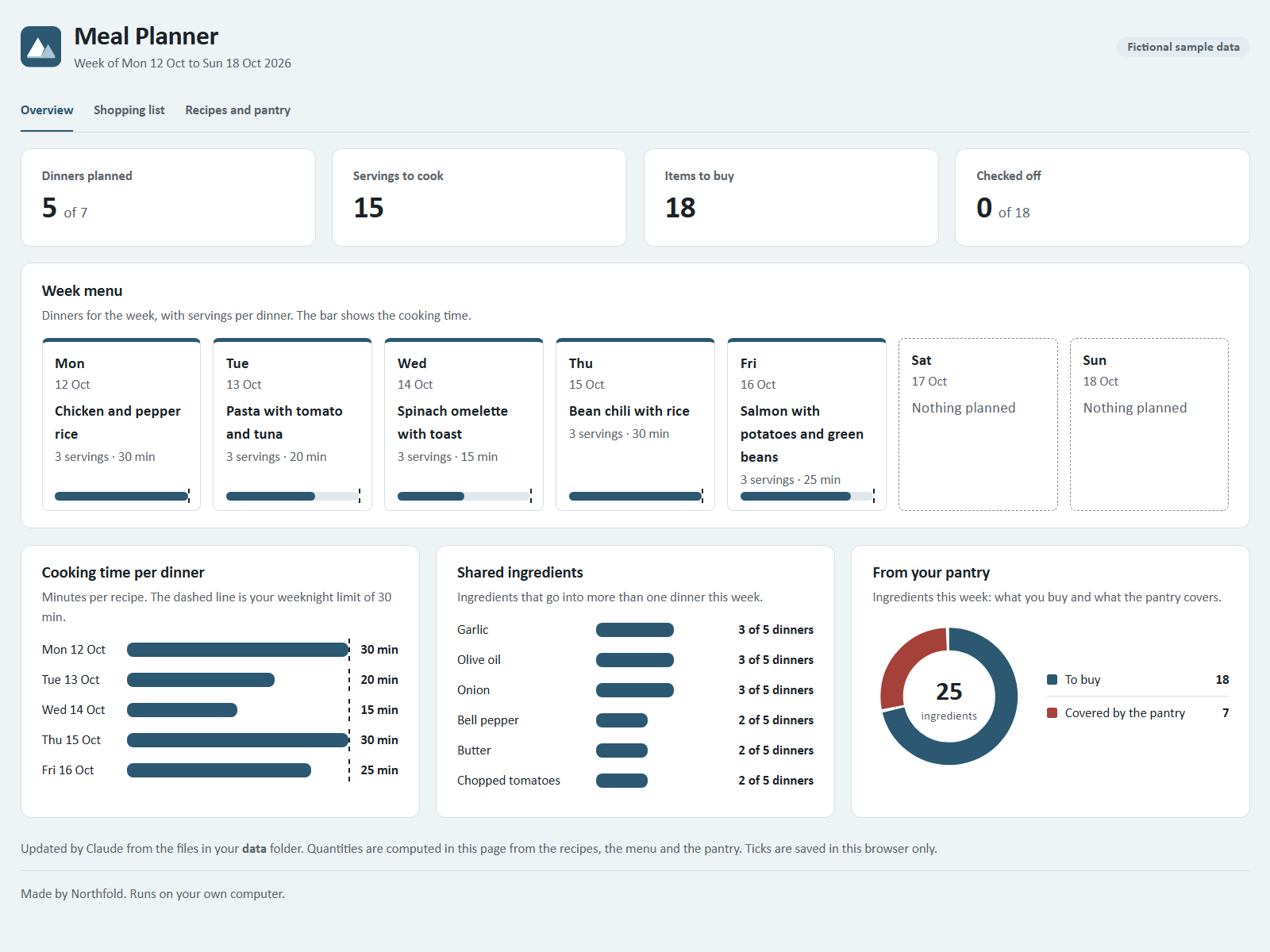
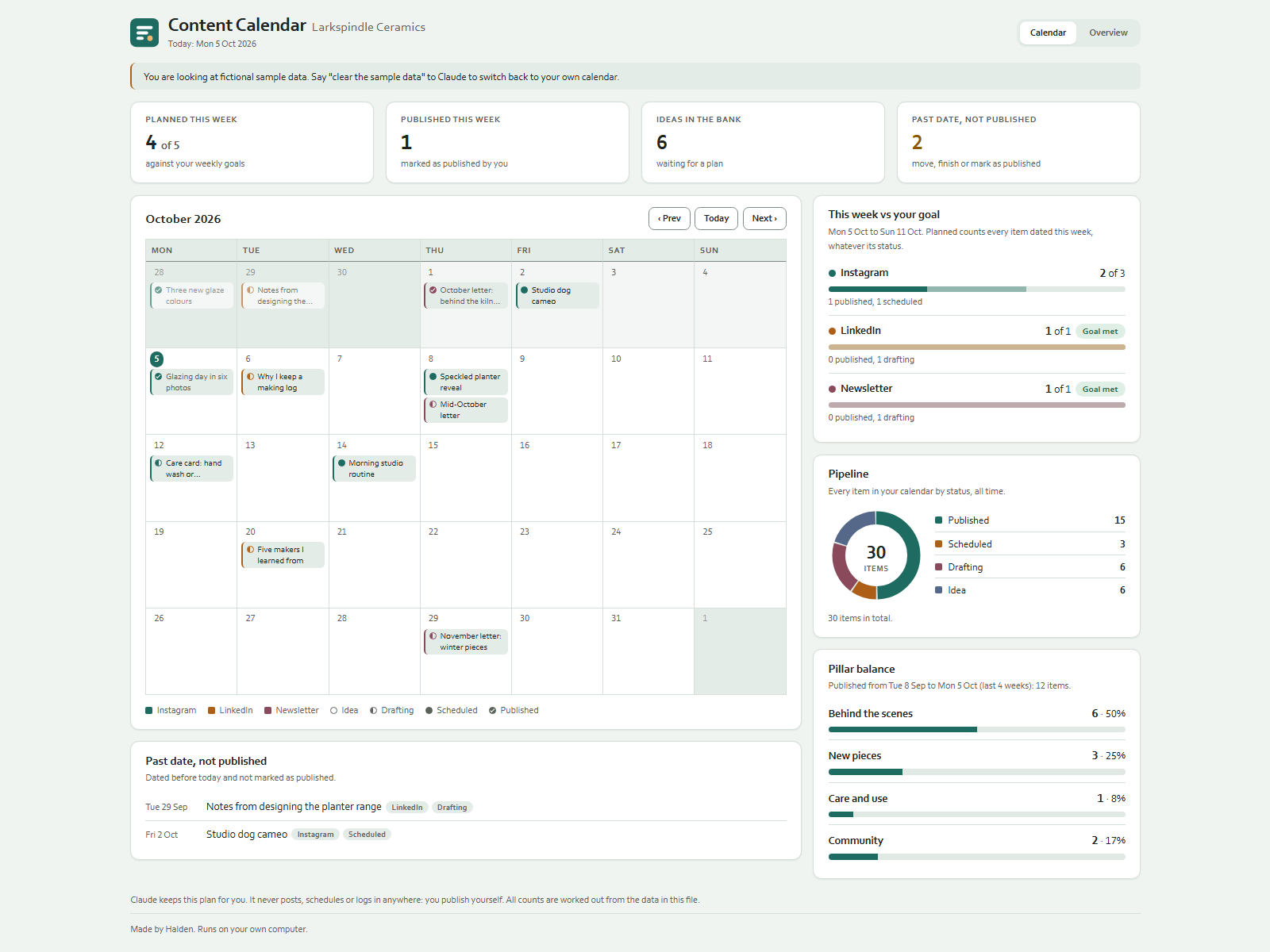
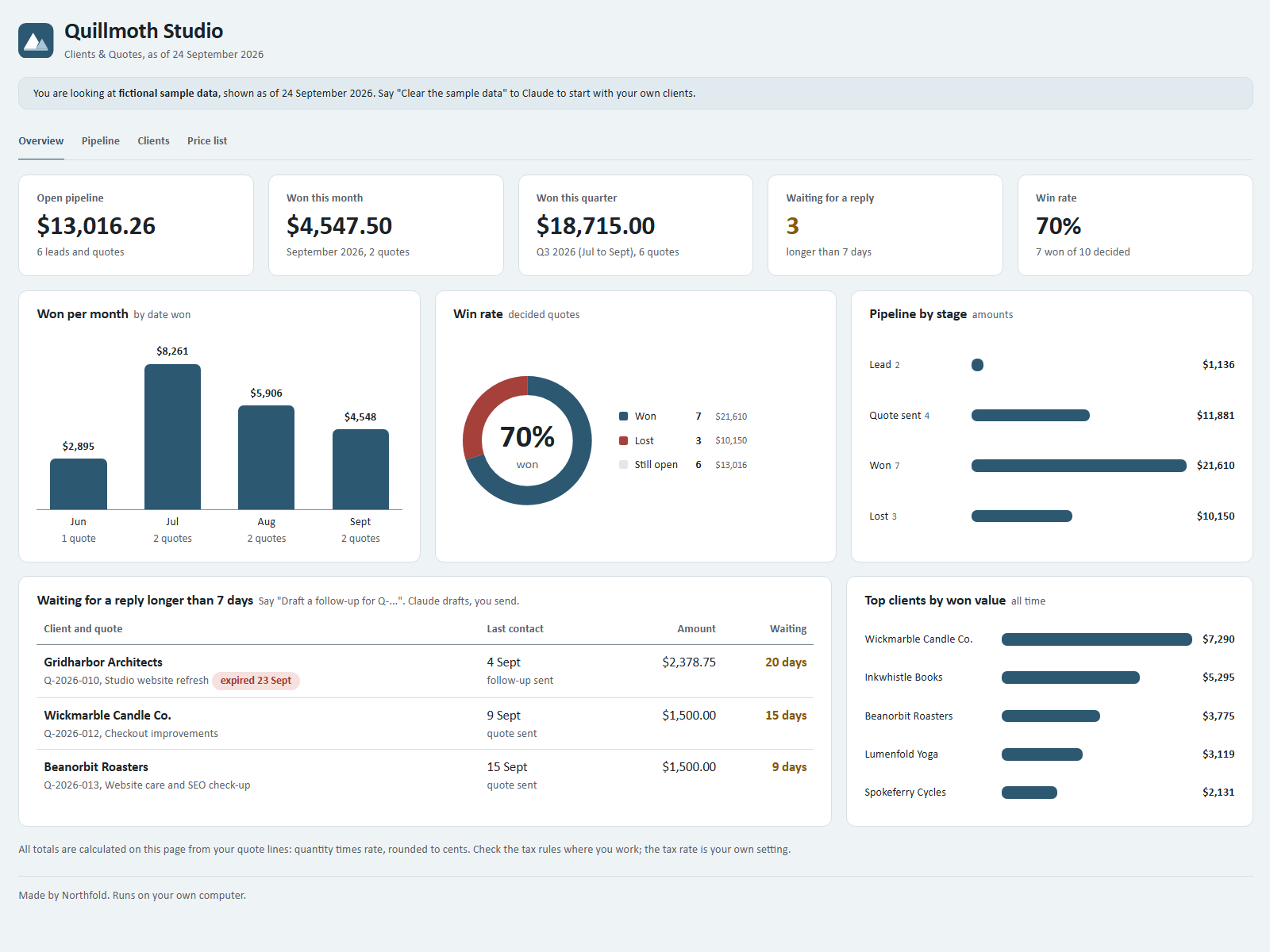
Turn client emails into quotes and track every deal.
by NorthfoldRuns on your AI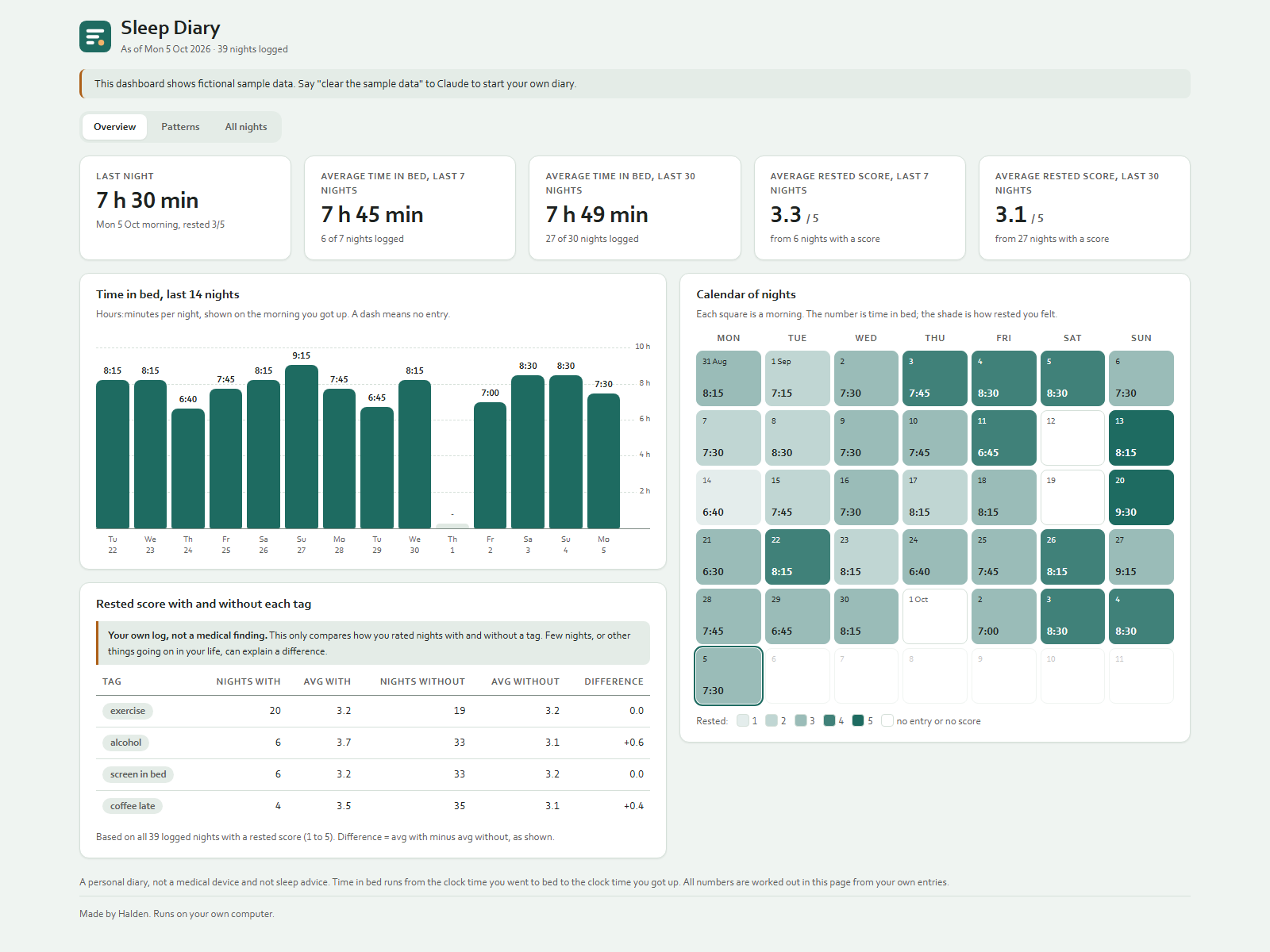
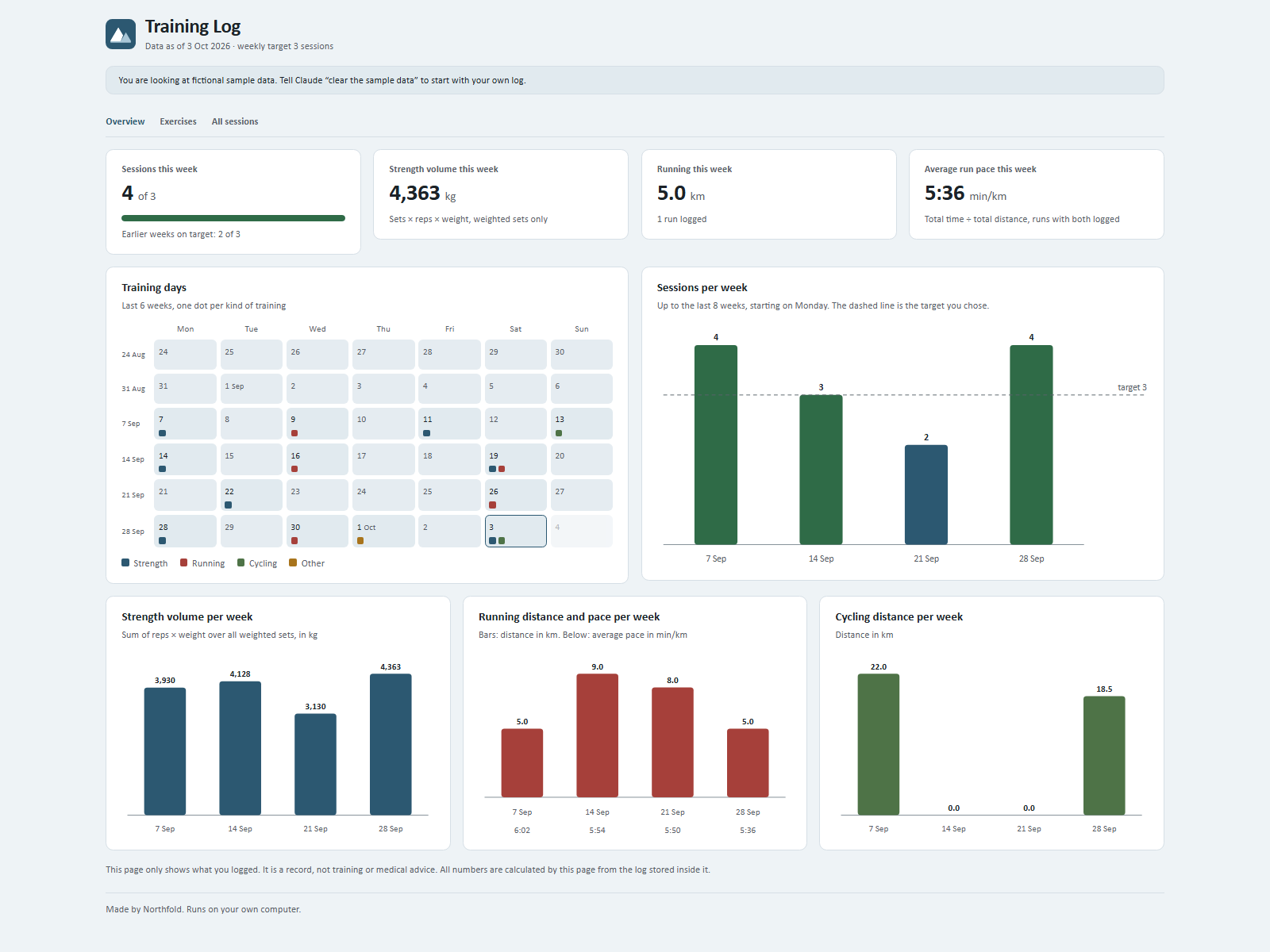
Say what you trained and see every week at a glance.
by NorthfoldRuns on your AI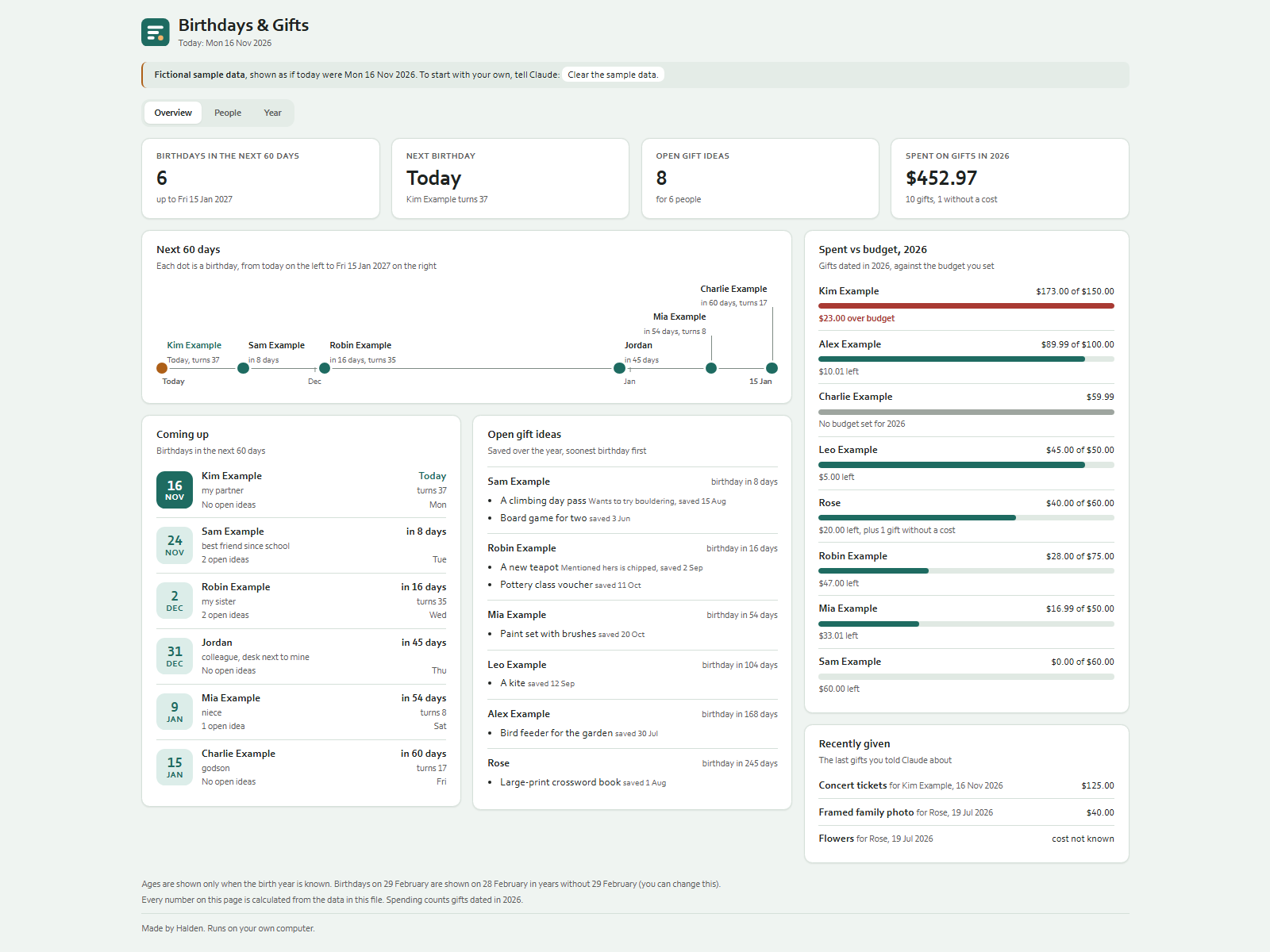
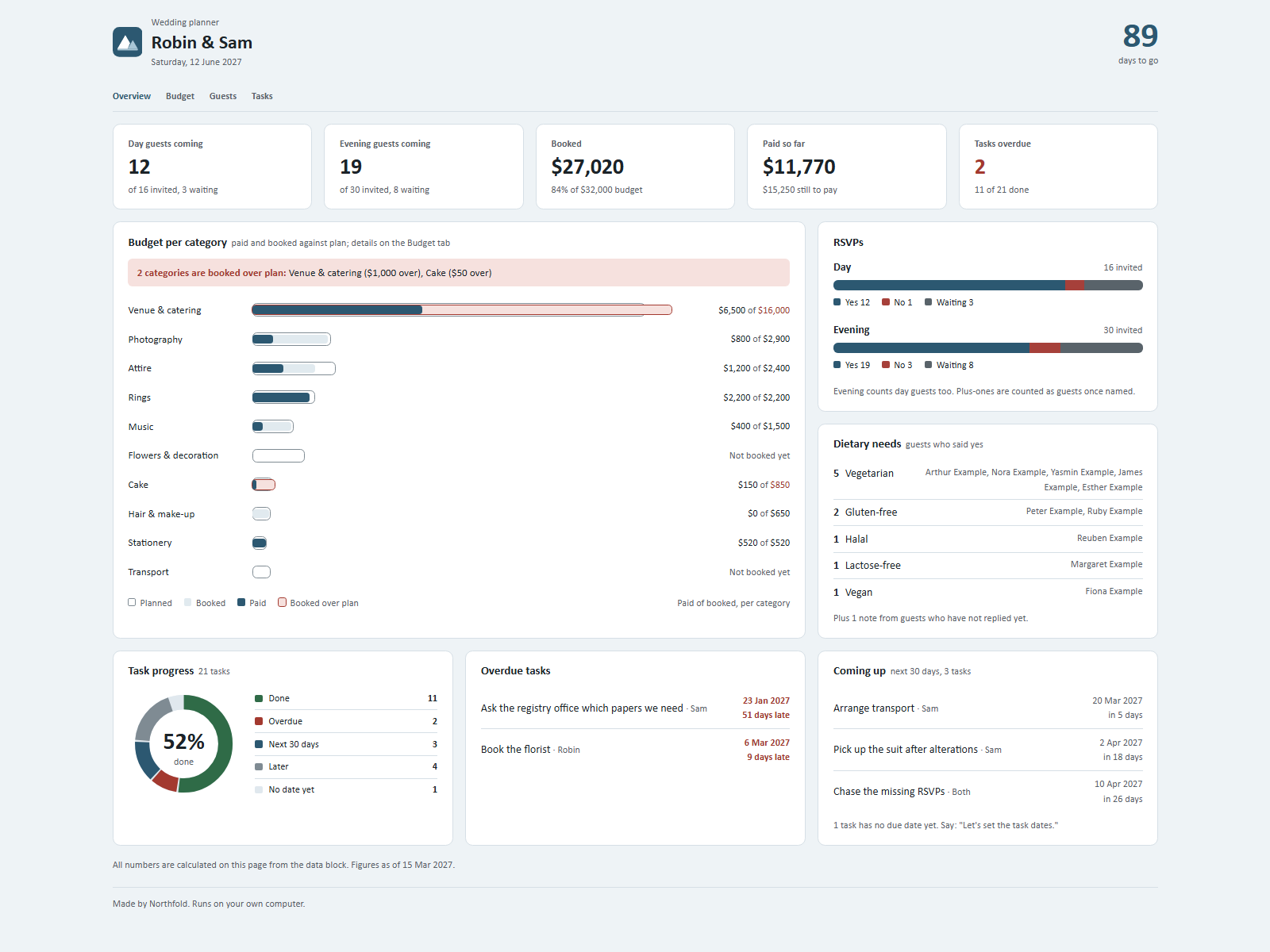
See guests, budget and tasks for your wedding in one place.
by NorthfoldRuns on your AI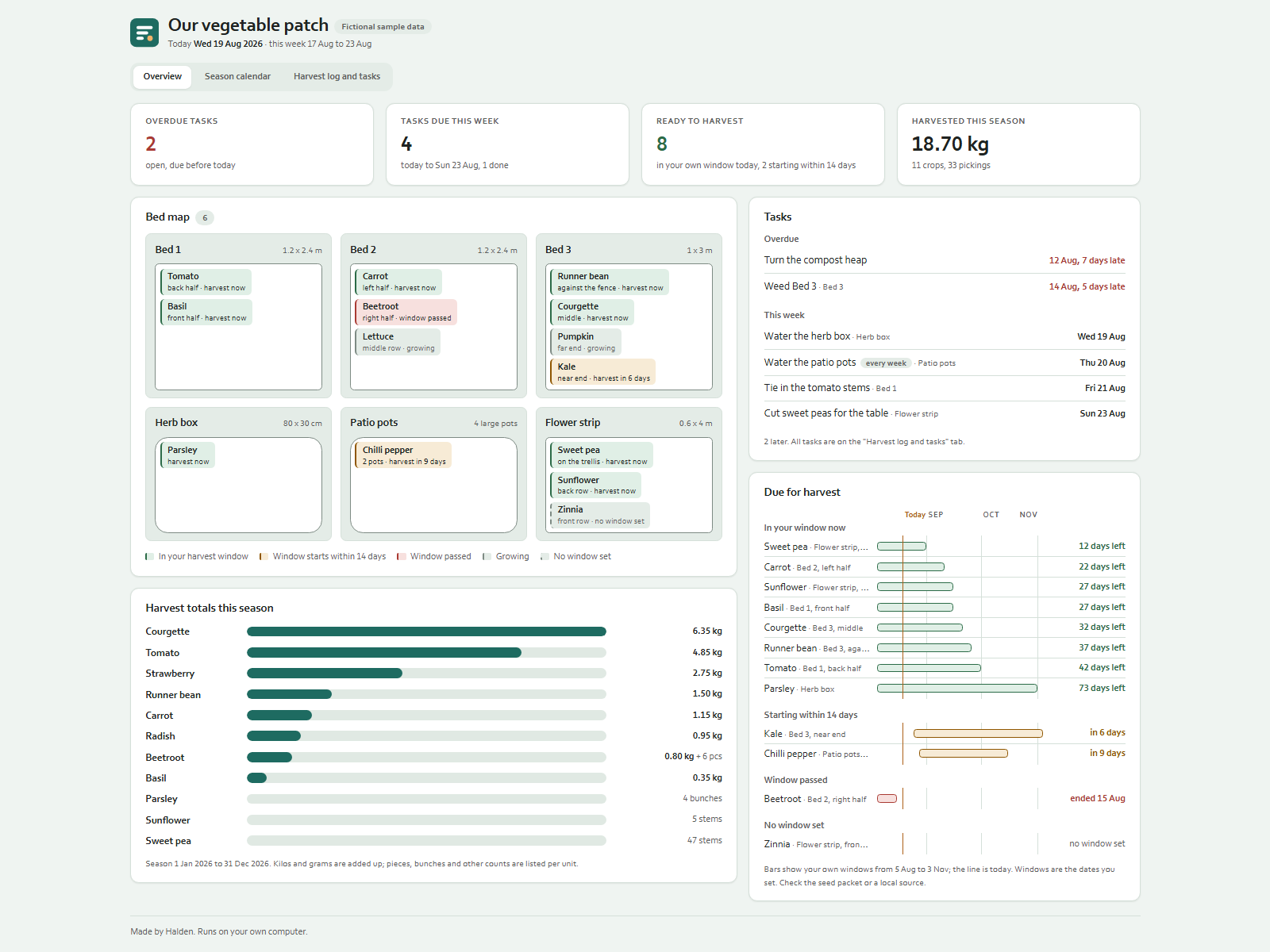
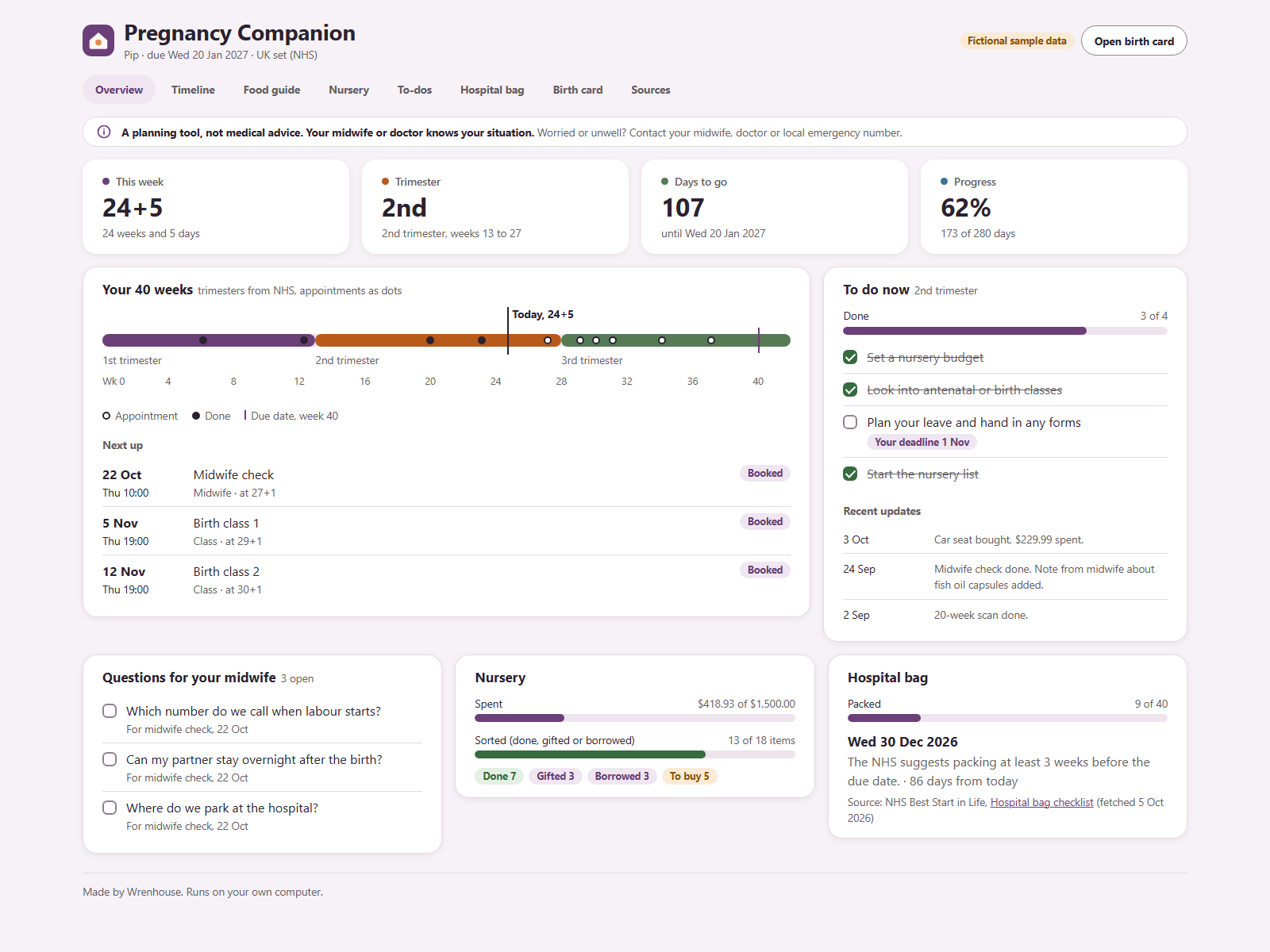
Plan your pregnancy week by week, from scan to birth card.
by WrenhouseRuns on your AI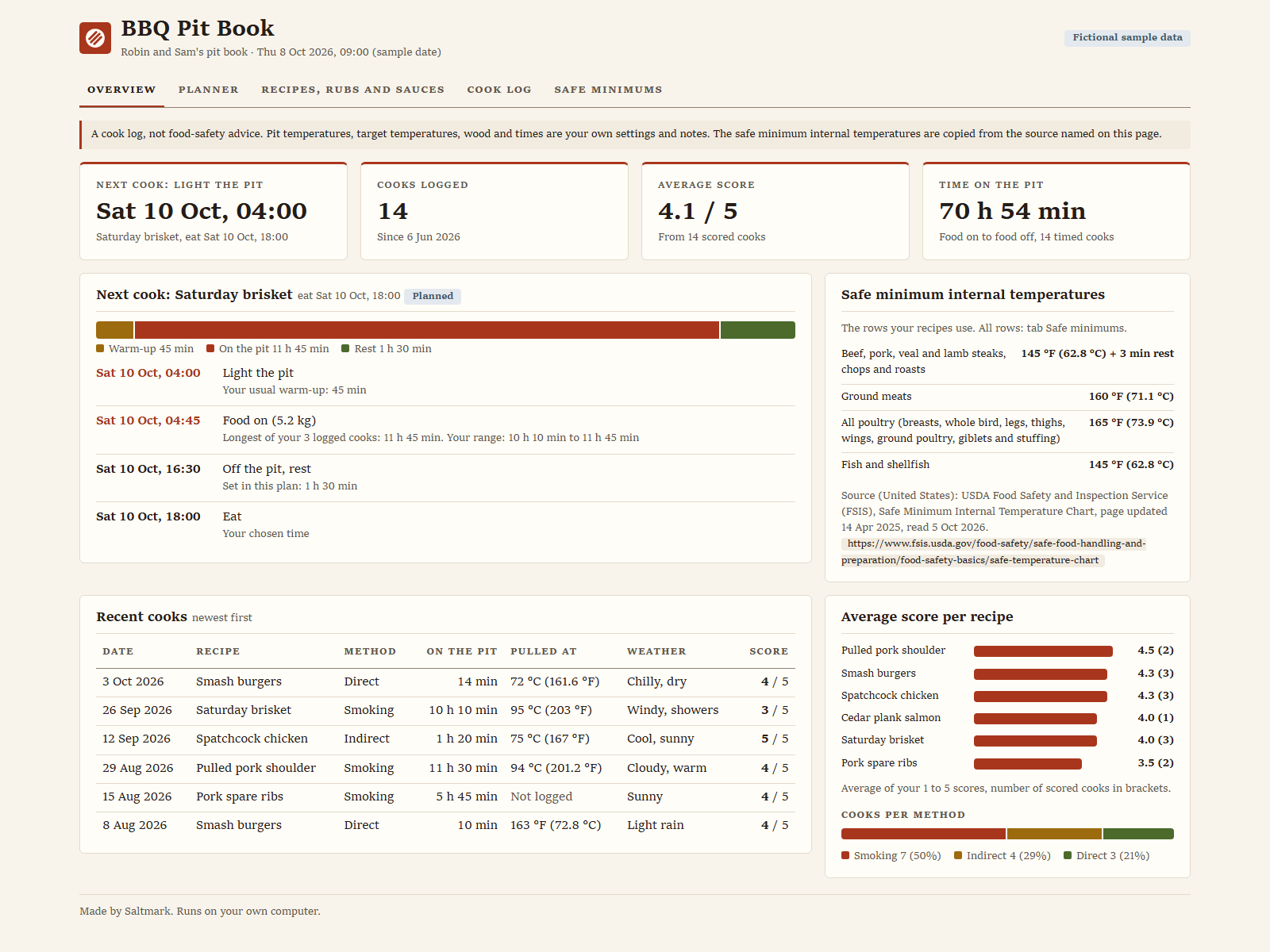
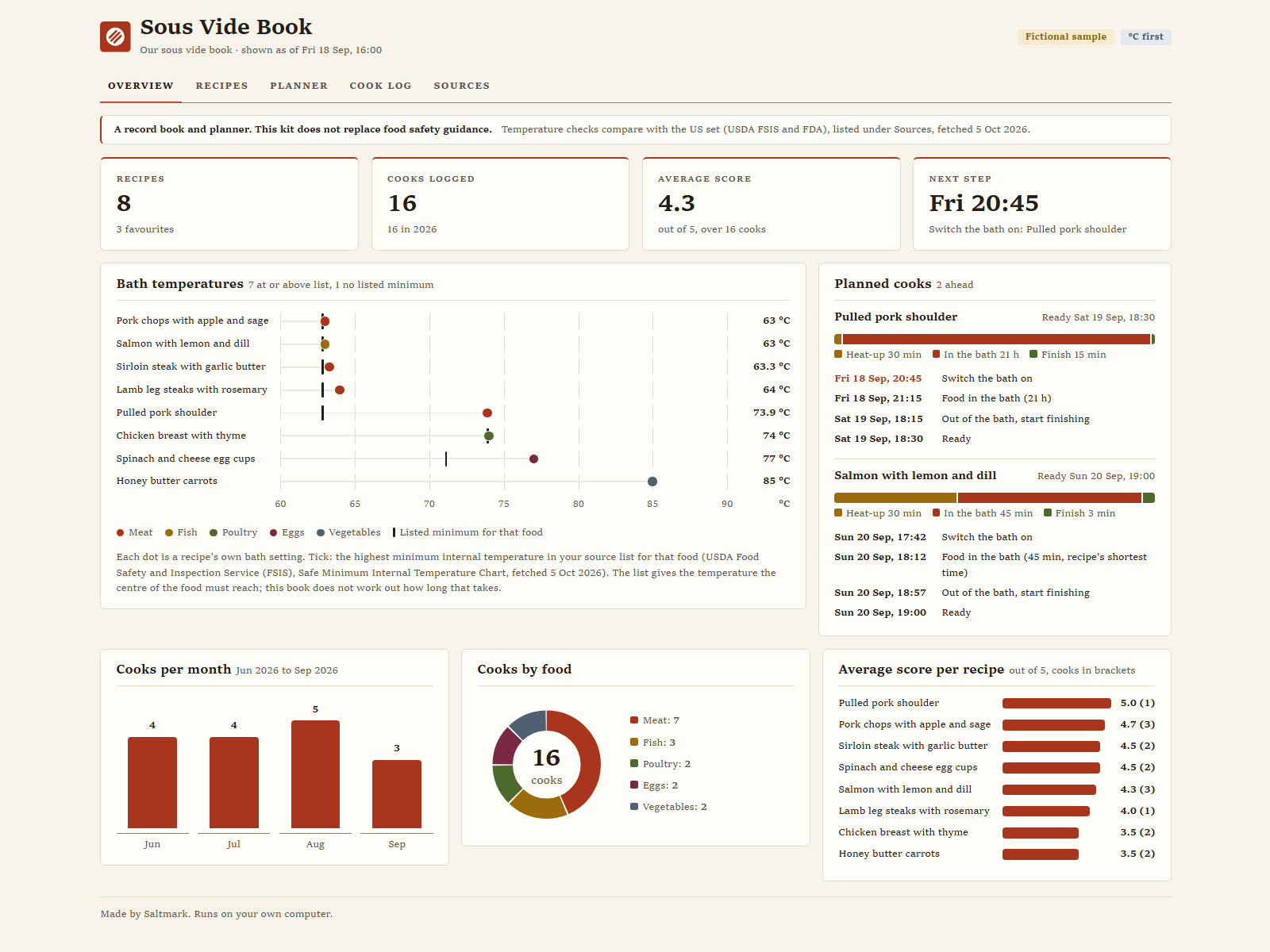
Time every sous vide cook from bath on to final sear.
by SaltmarkRuns on your AI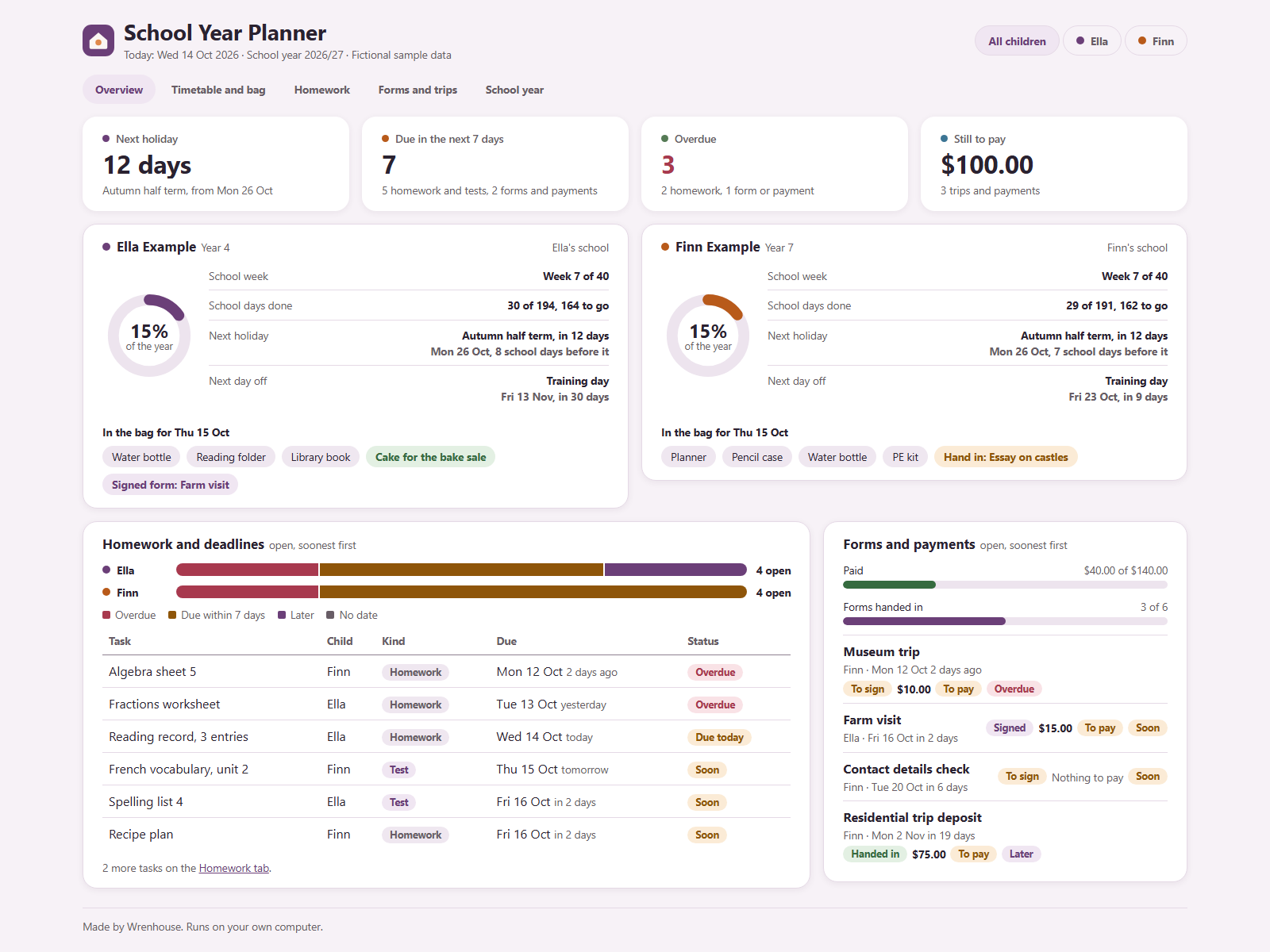
Know what each child needs for school, day by day.
by WrenhouseRuns on your AI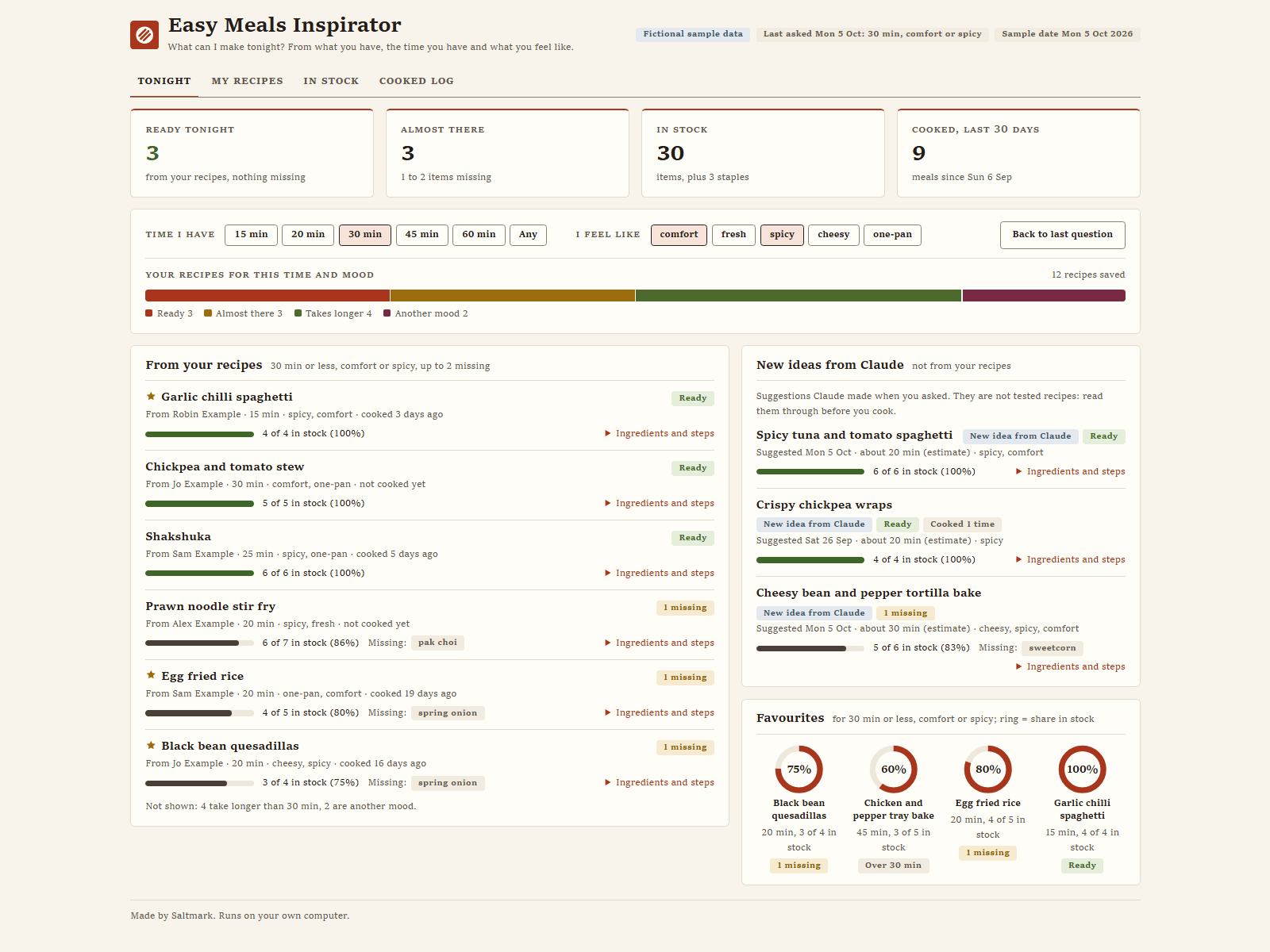
See what you can cook tonight from what you have.
by SaltmarkRuns on your AI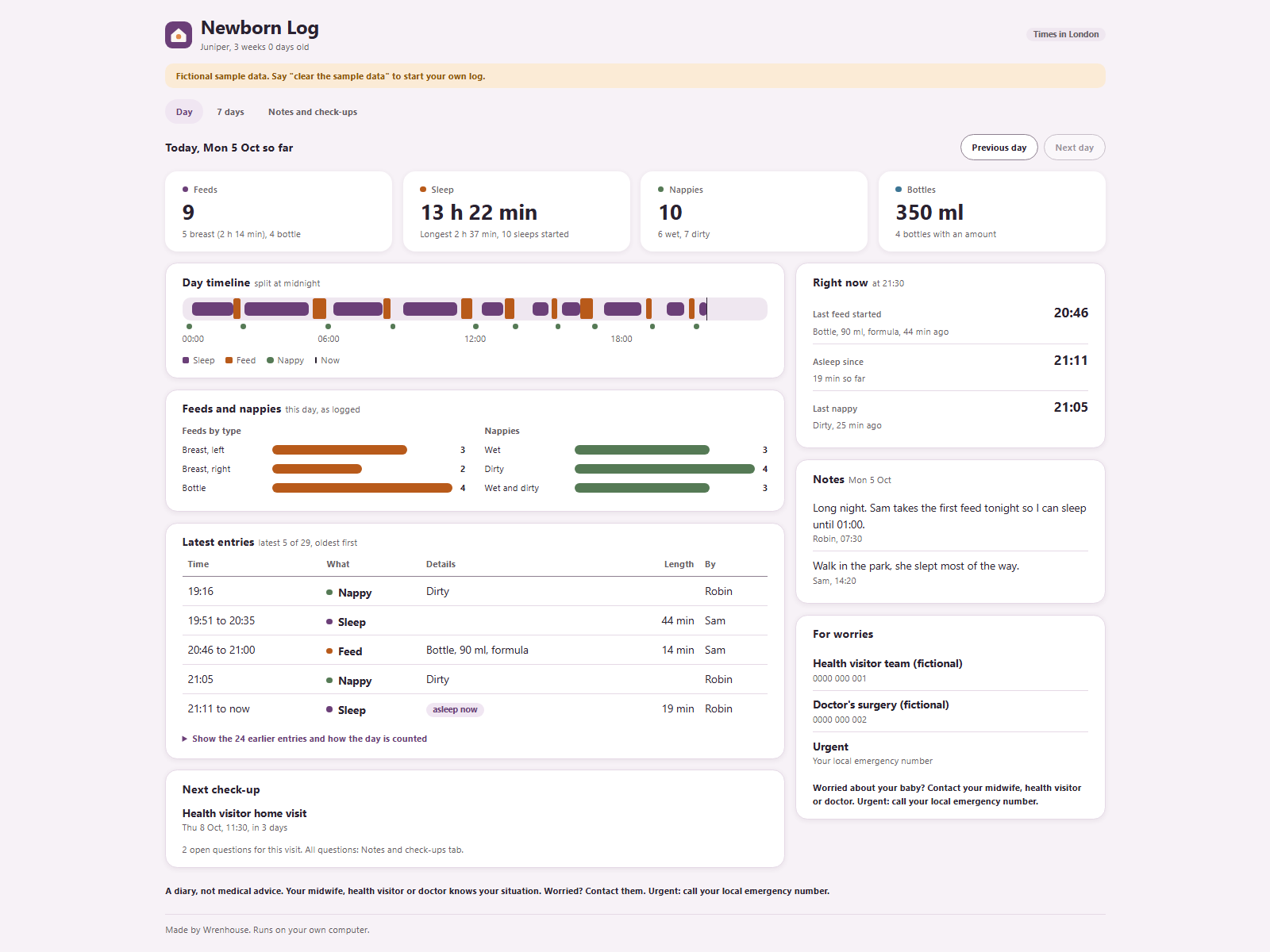
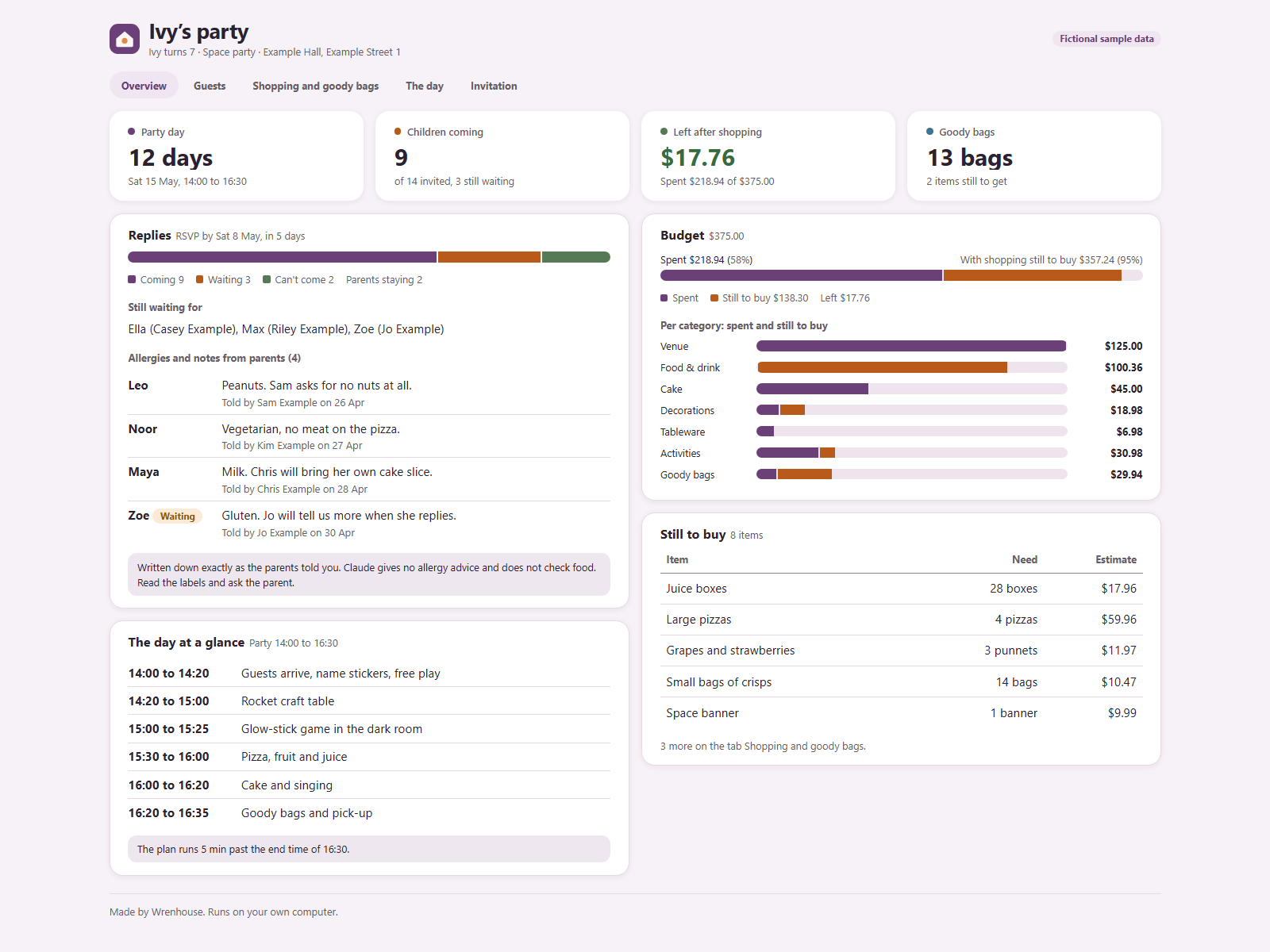
Plan your child's party: guests, budget, bags and the day.
by WrenhouseRuns on your AI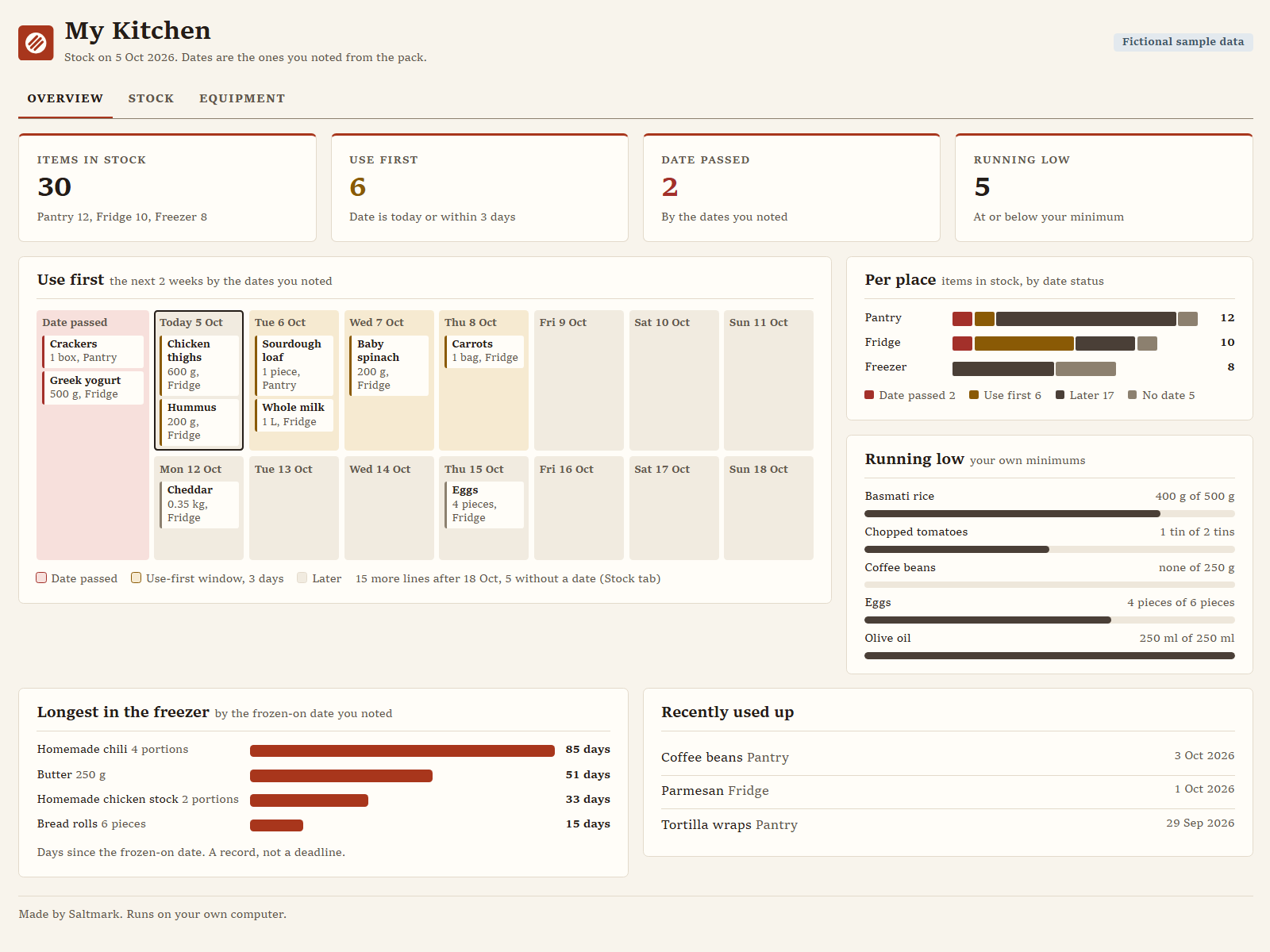
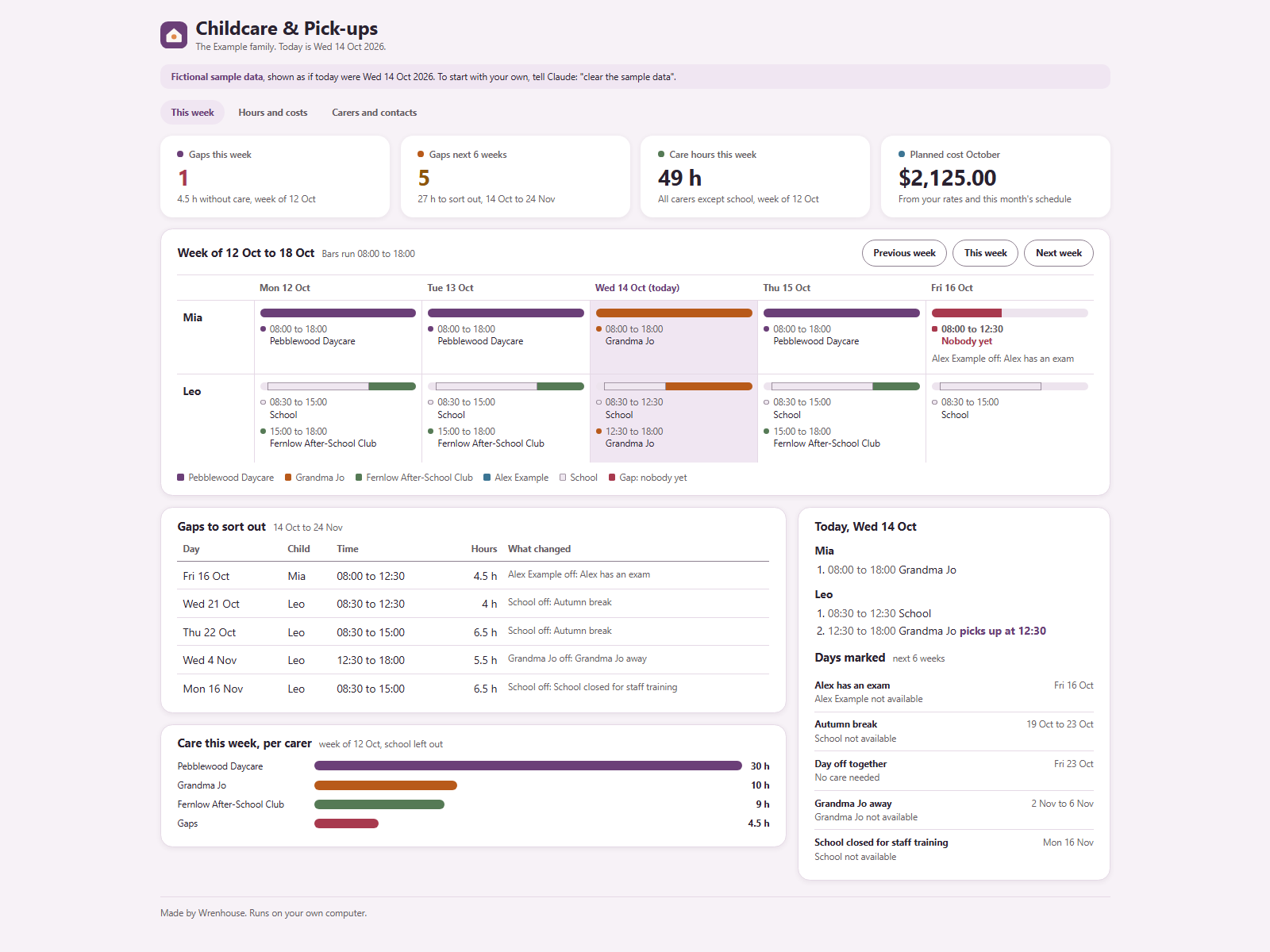
See who has the kids when, and spot gaps early.
by WrenhouseRuns on your AI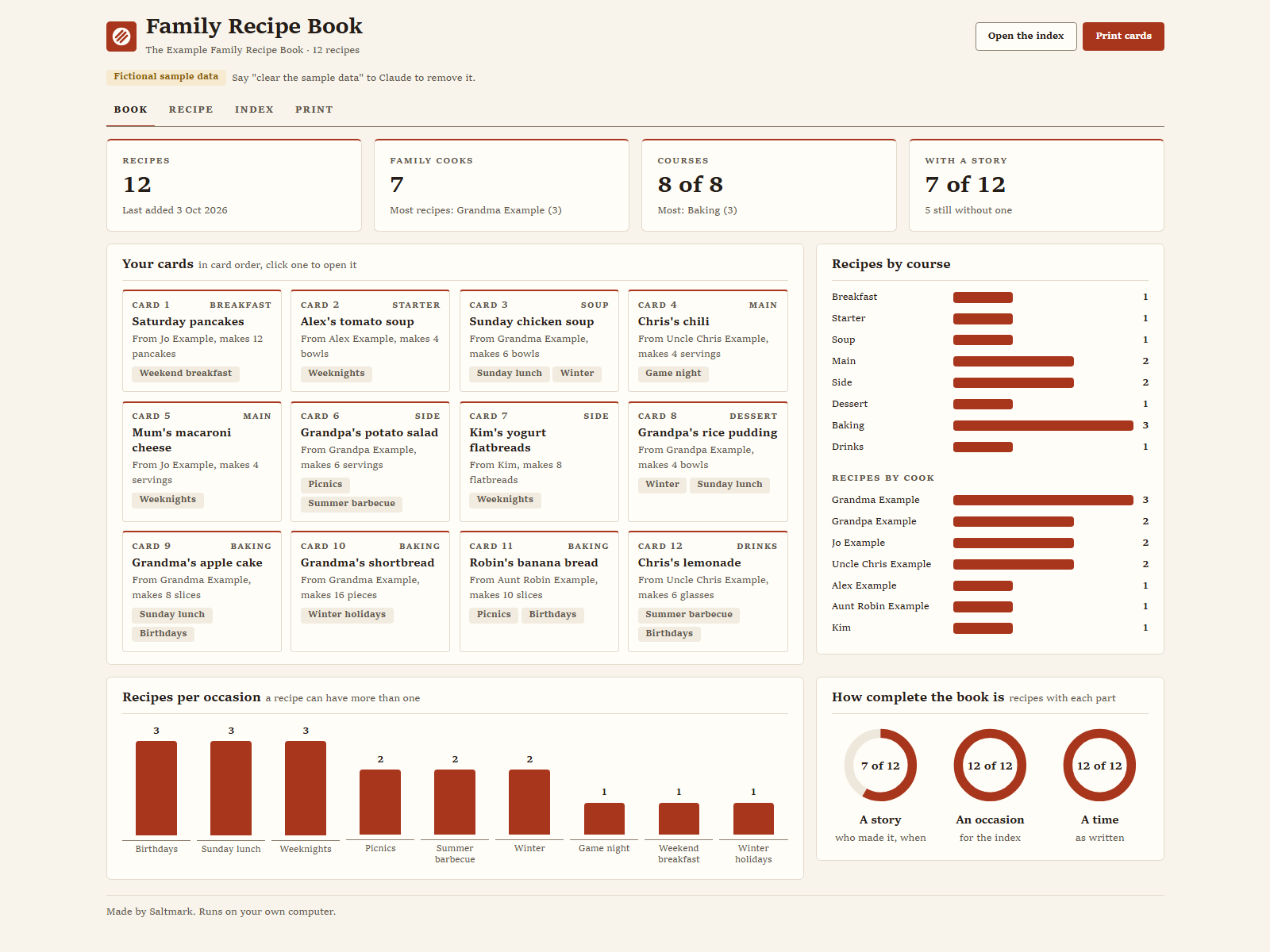
Keep the family's recipes, scaled right and ready to print.
by SaltmarkRuns on your AIEvery flight you log on a world map, with your stats.
by WayfernRuns on your AI
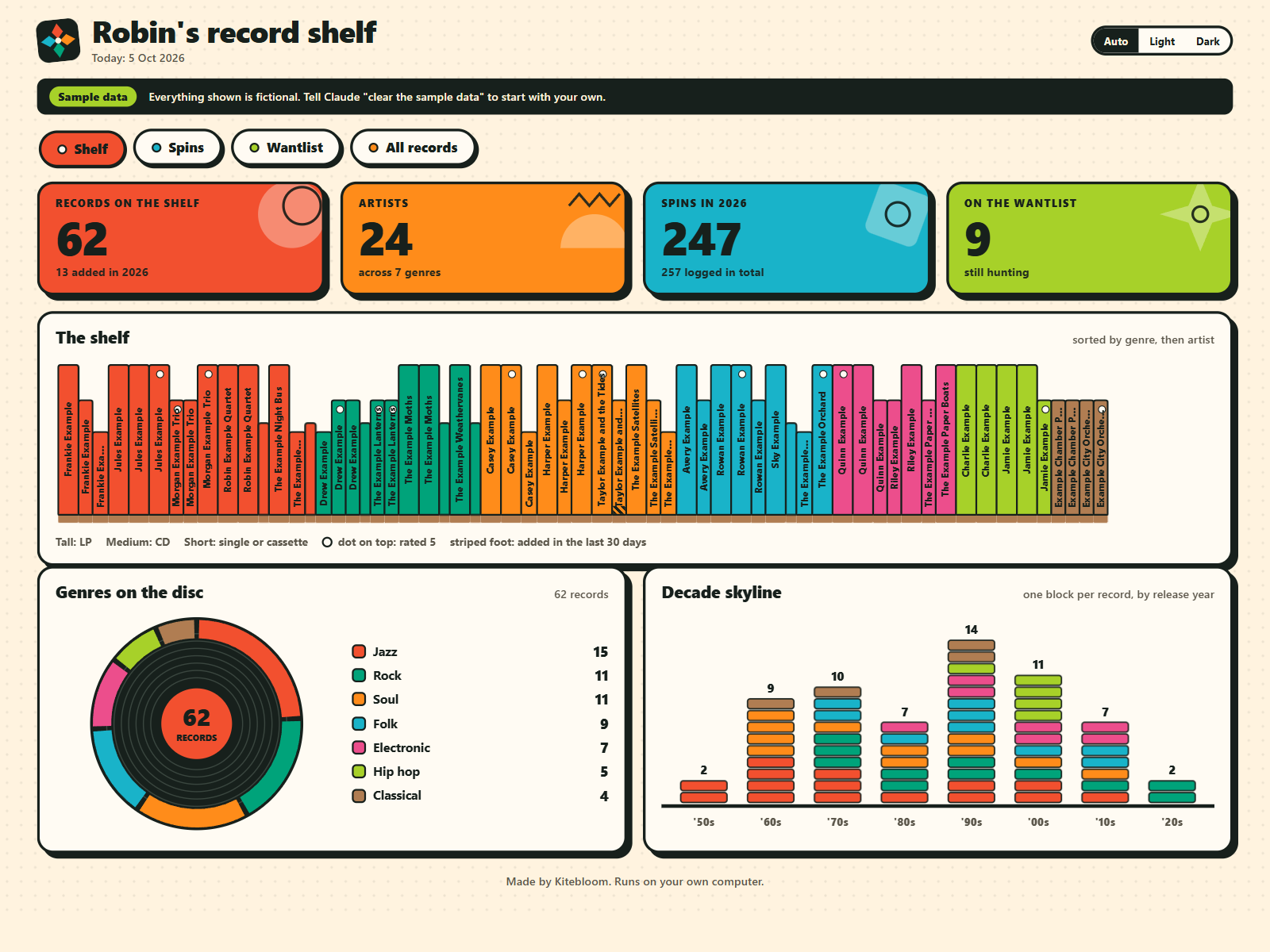
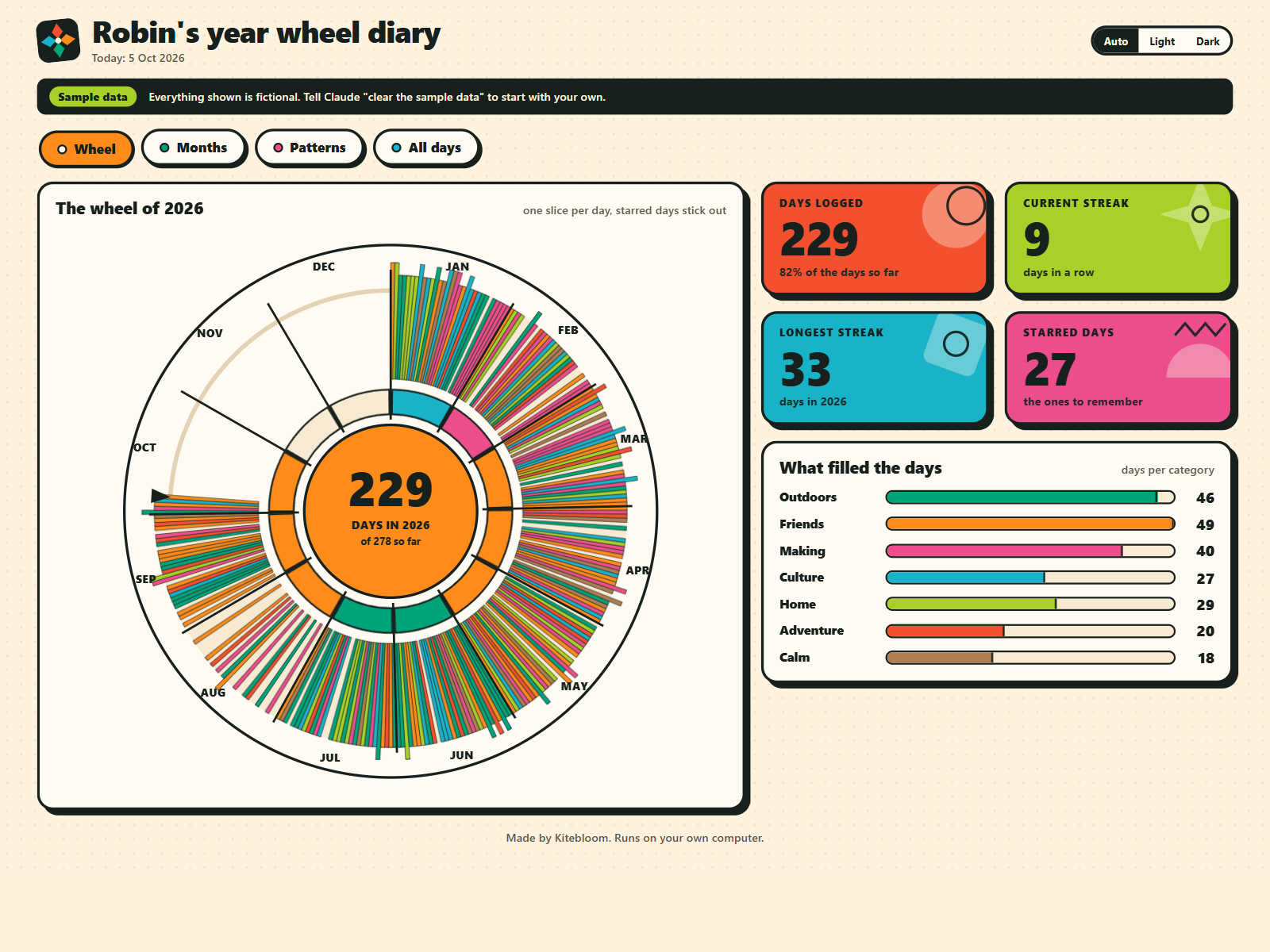
One line a day turns your year into a wheel of colour.
by KitebloomRuns on your AI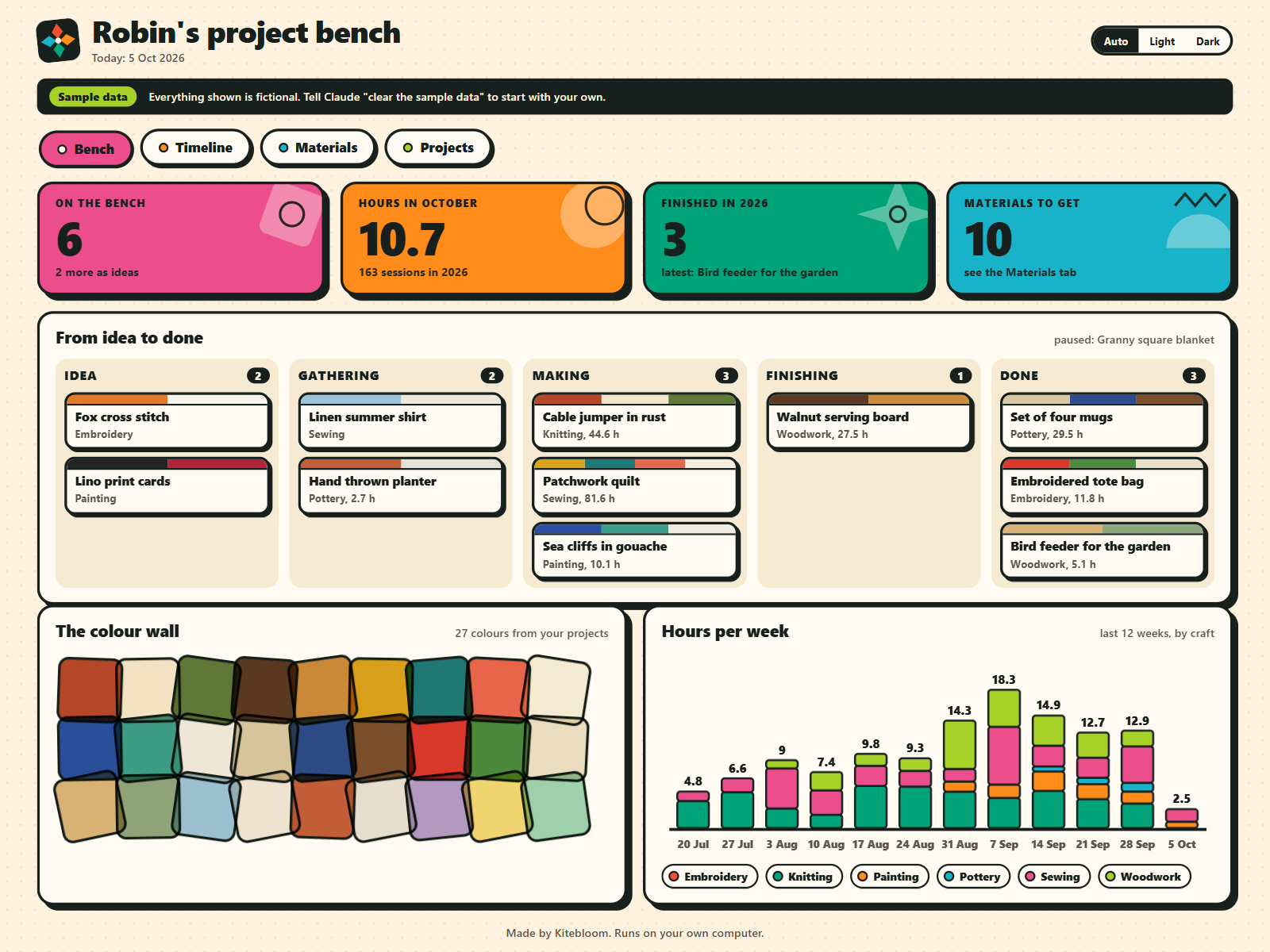
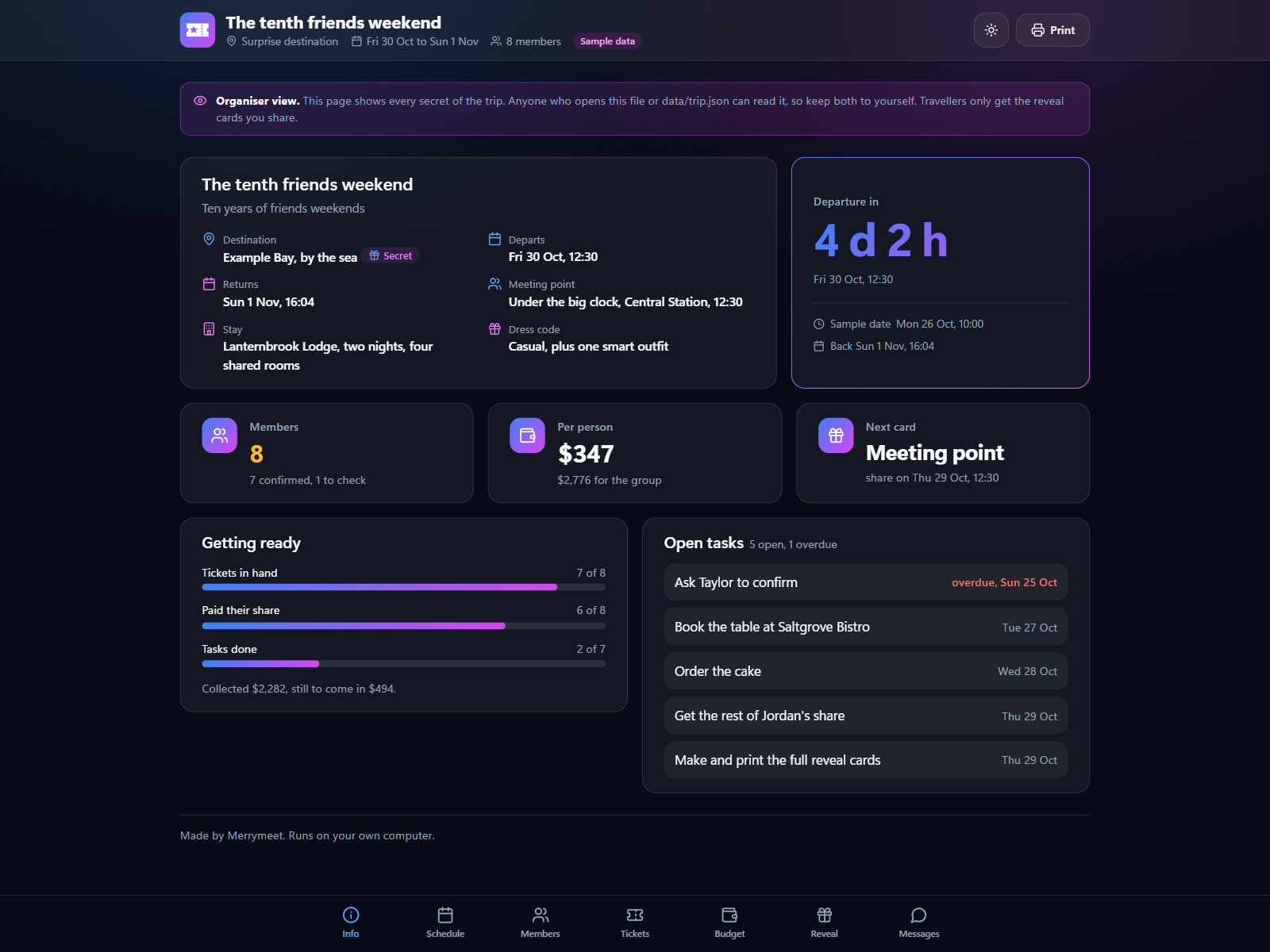
Plan a surprise group trip and reveal it card by card.
 by MerrymeetRuns on your AI
See every habit and your streak at a glance.
by GladleafRuns on ClaudeFree Claude plan works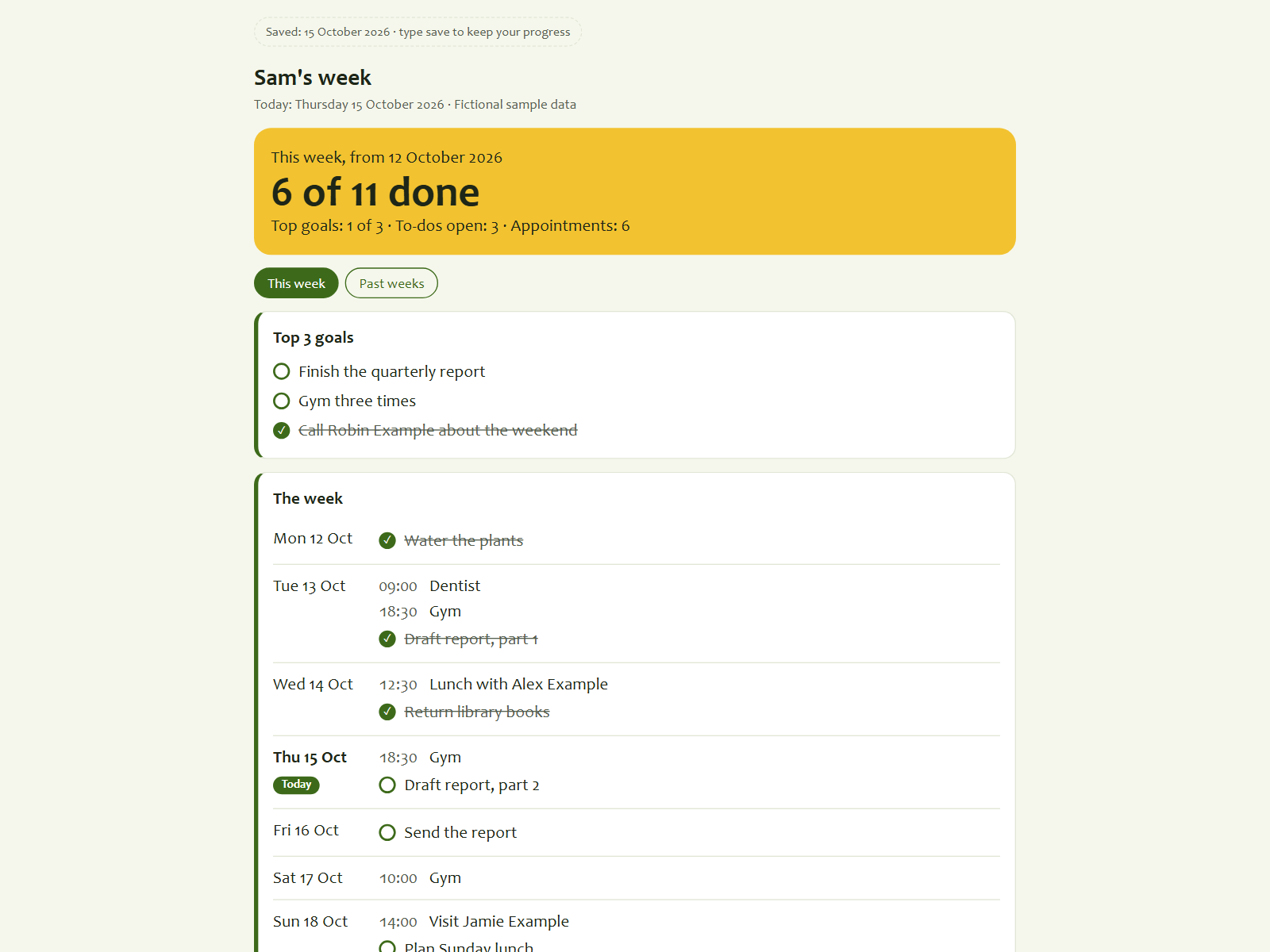
Plan your week in four short steps, every Sunday.
by GladleafRuns on ClaudeFree Claude plan works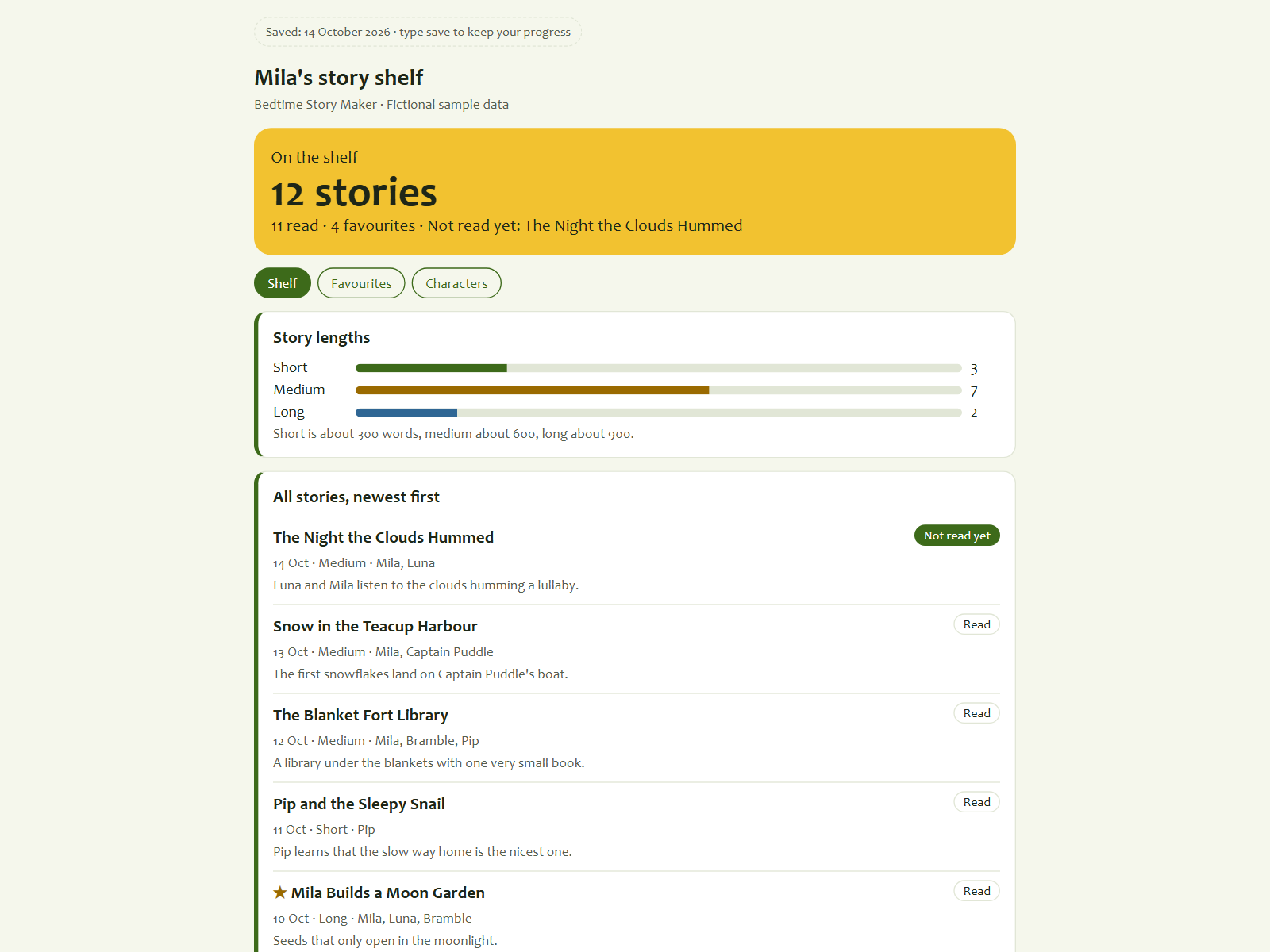
A new bedtime story starring your child, every night.
by GladleafRuns on ClaudeFree Claude plan works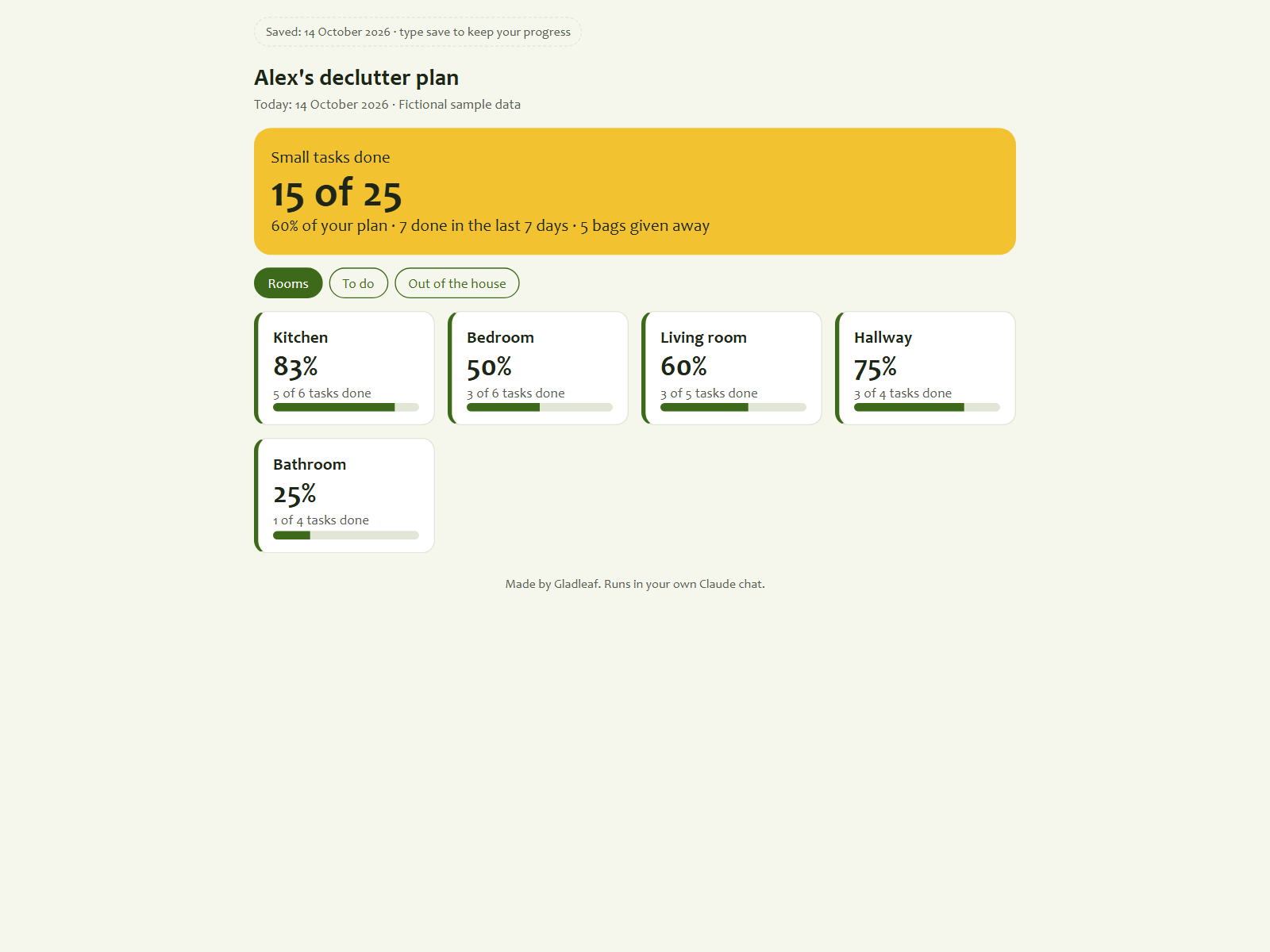
Clear your home one small task at a time.
by GladleafRuns on ClaudeFree Claude plan works
Every application, interview and follow-up in one view.
by GladleafRuns on ClaudeFree Claude plan works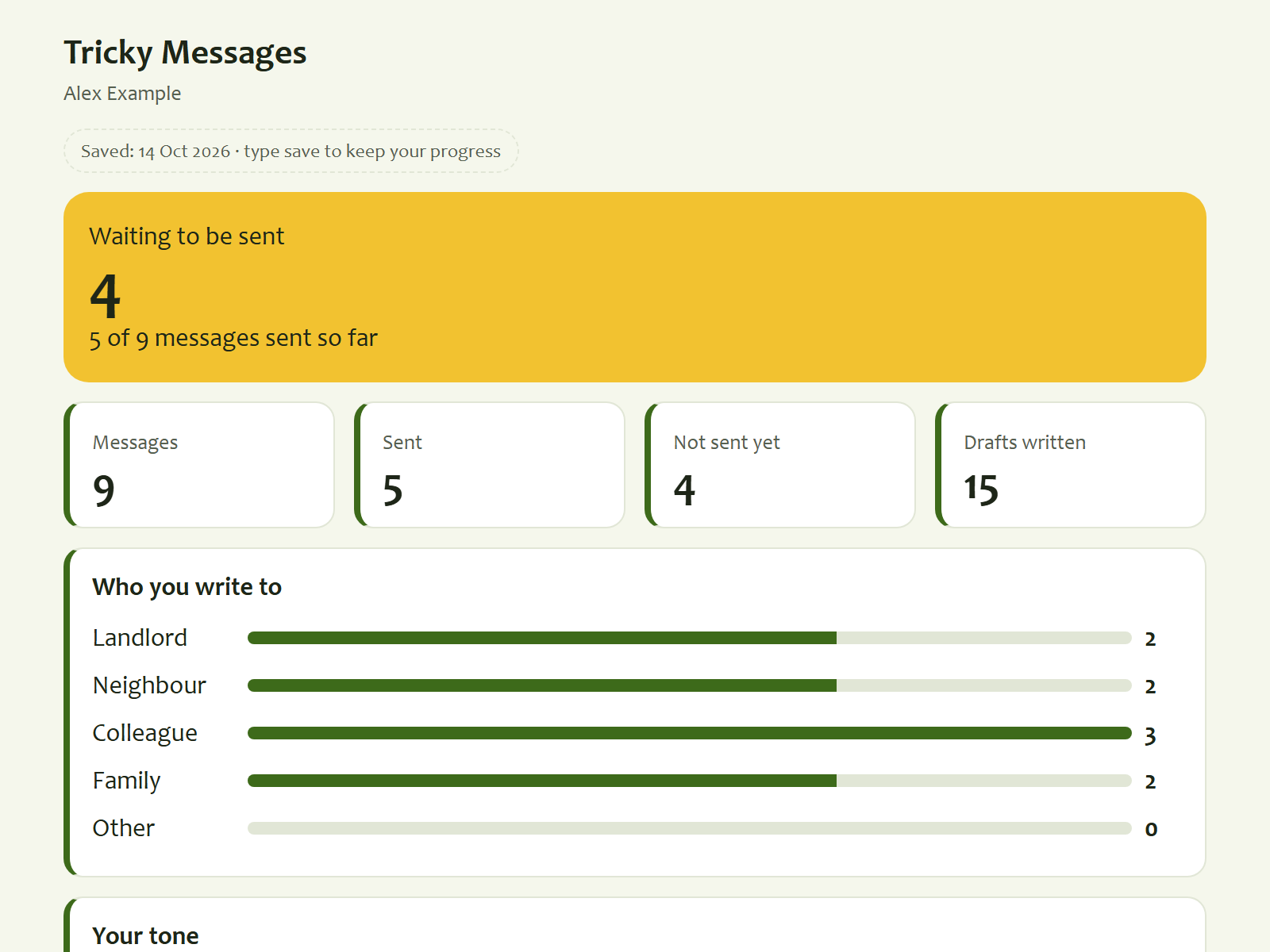
Say the hard thing kindly, in your own words.
by GladleafRuns on ClaudeFree Claude plan works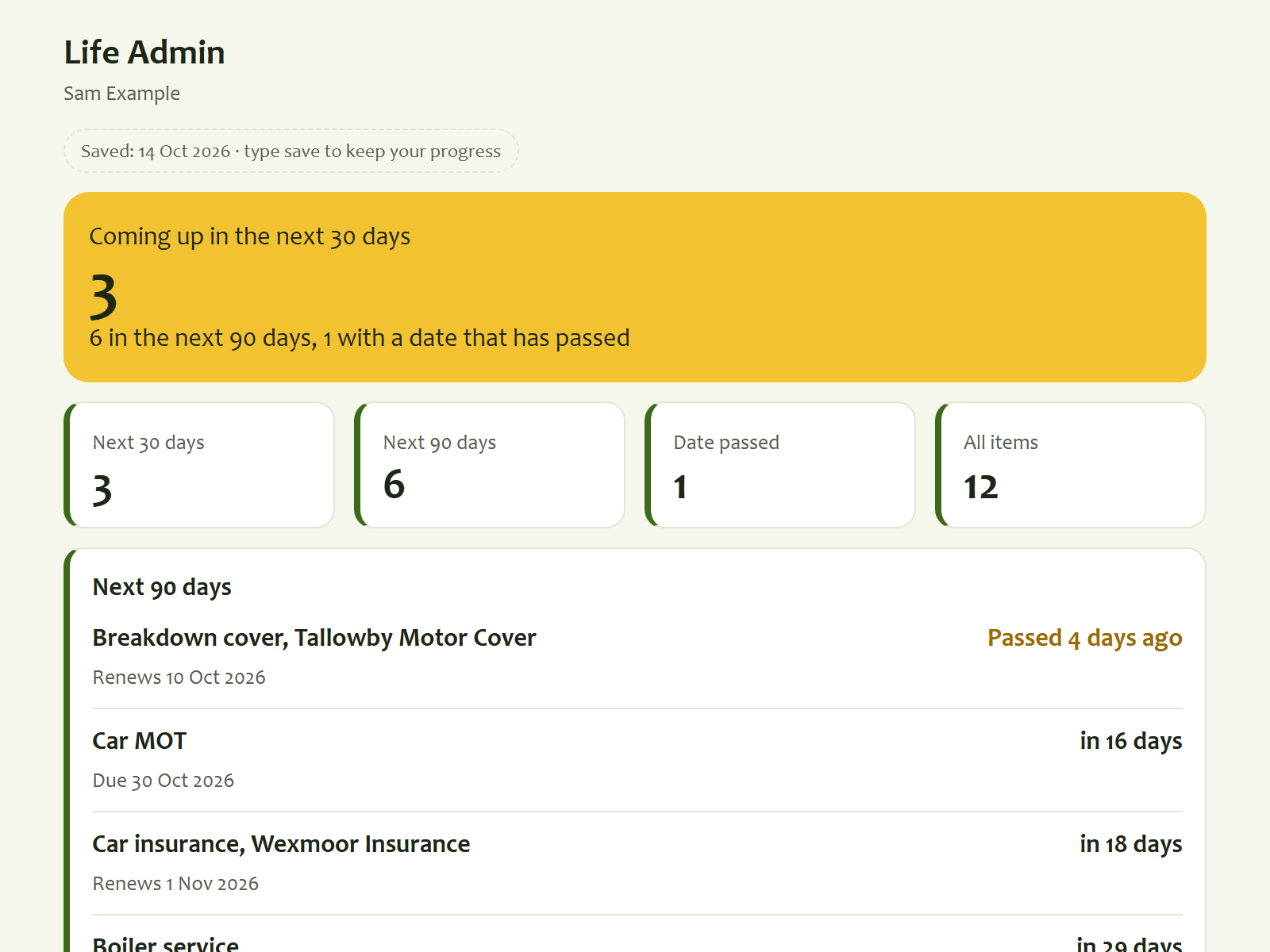
See every renewal and expiry date coming up.
by GladleafRuns on ClaudeFree Claude plan works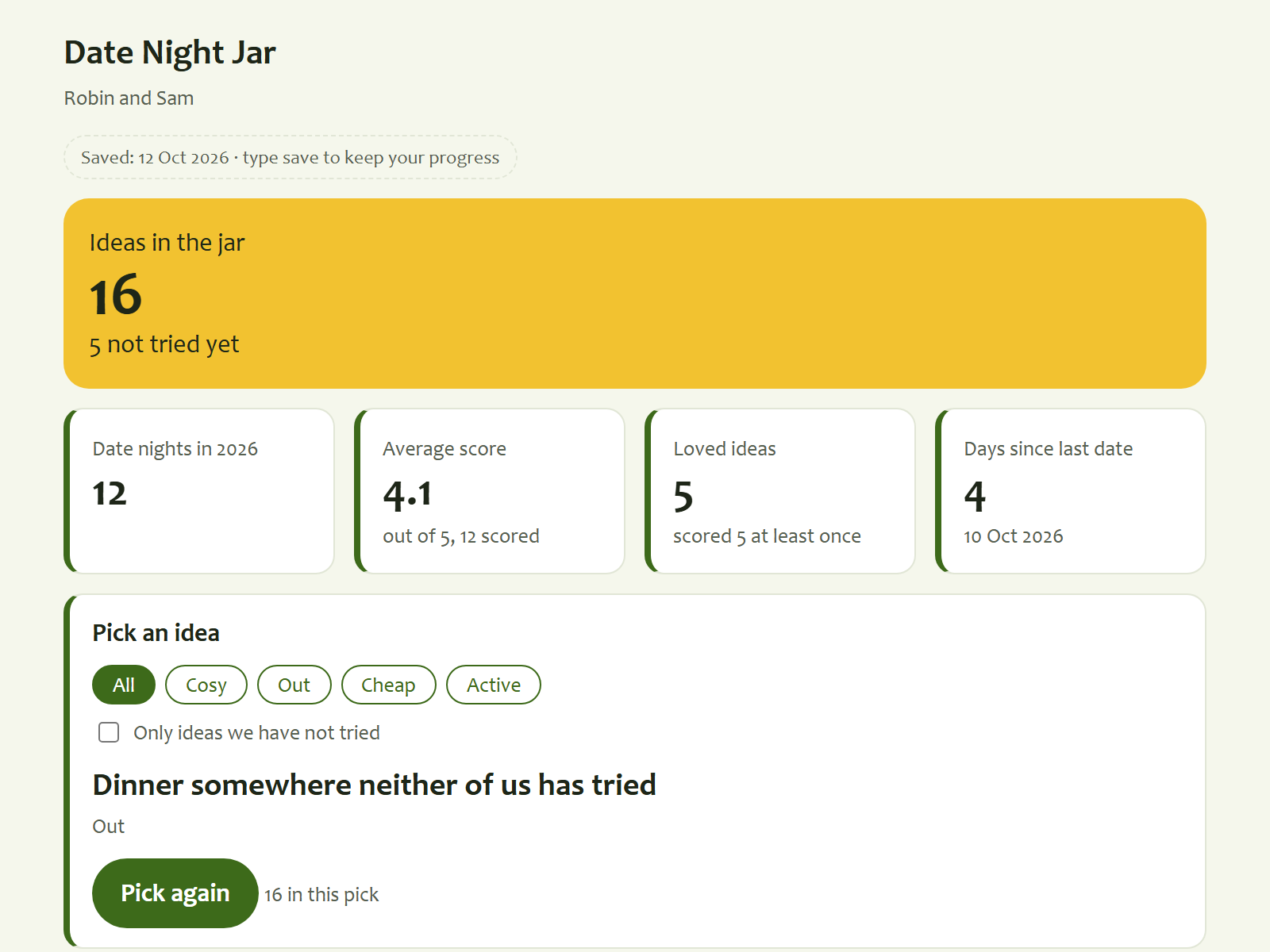
Pick a date night idea and keep the ones you loved.
by GladleafRuns on ClaudeFree Claude plan works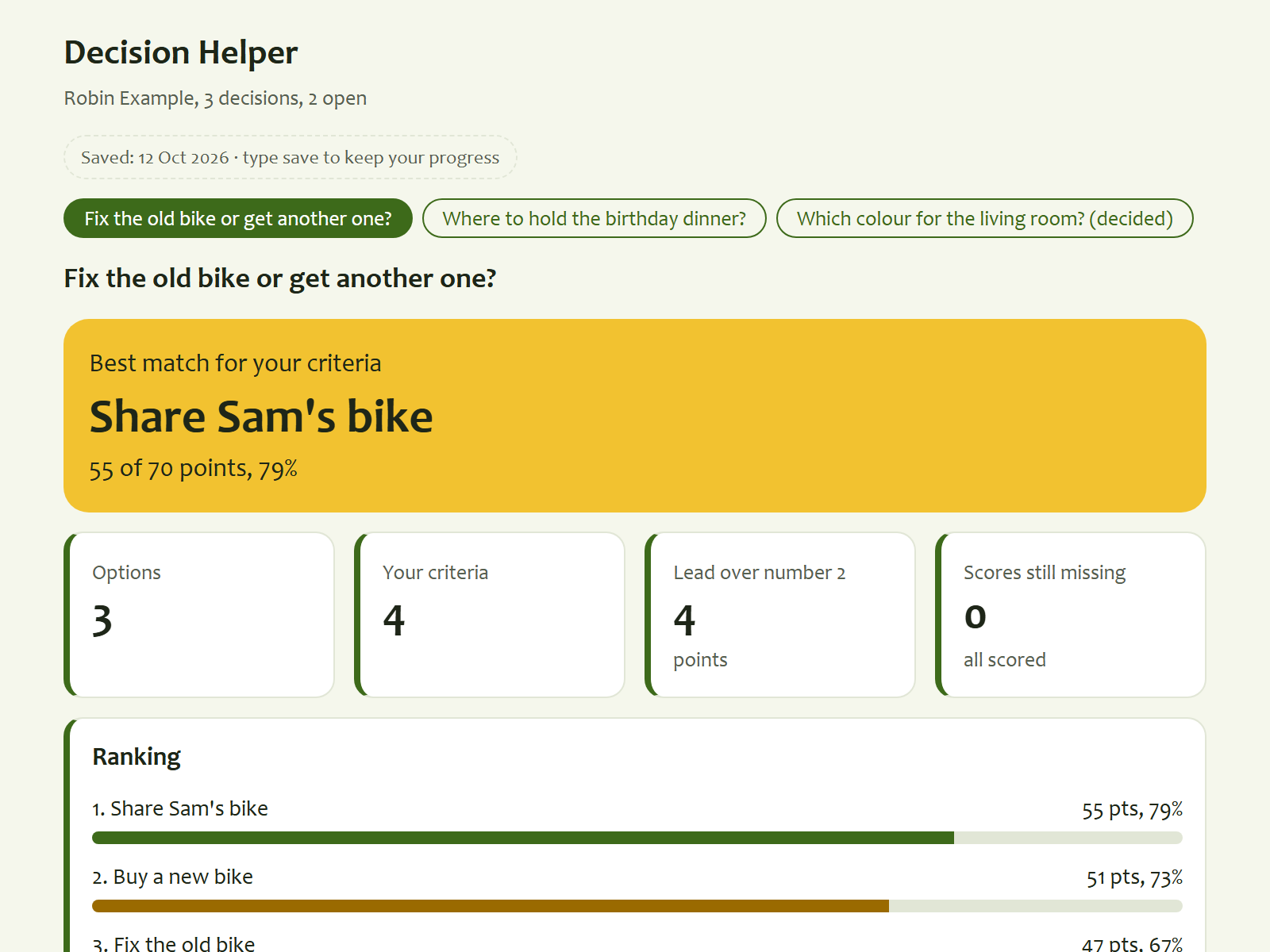
Weigh your options and see which one fits you best.
by GladleafRuns on ClaudeFree Claude plan works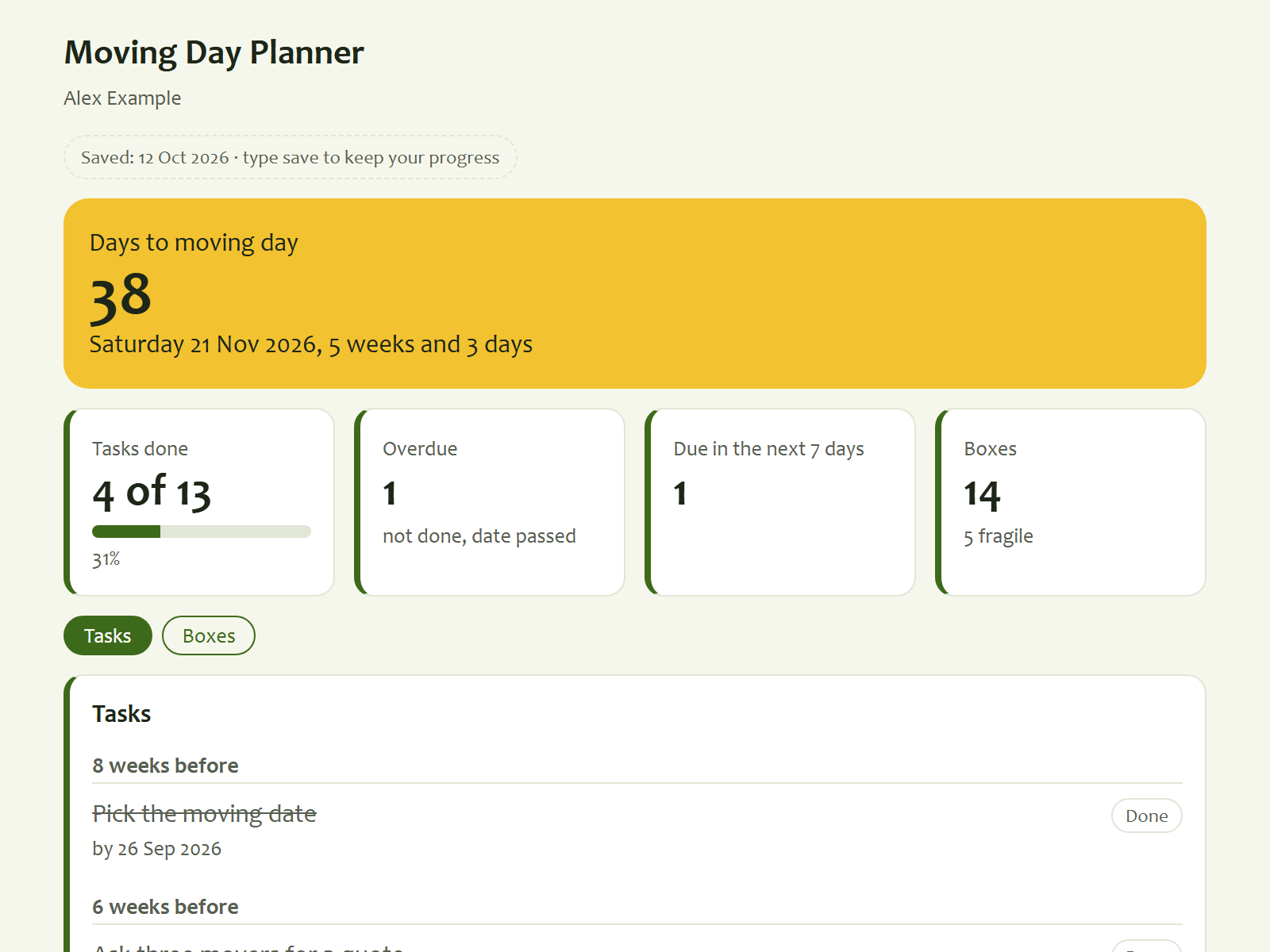
Count down to moving day with every task and box.
by GladleafRuns on ClaudeFree Claude plan worksIt runs in your own AI app. The dashboard and its data files are yours; what you type goes through the AI app you choose.
Type what happened. Your AI puts it in your dashboard.
One payment for the kit. No Ownkit subscription.
Search for what you want to sort out.
By card. Your kit is saved in your account.
Tap Open in your AI app and press send. It starts building automatically.
Sell it as a kit with your own shop. You set the price, we handle the checkout.
A complete system in one zip: a dashboard, data files, instructions and skills for your AI. You attach the zip in a new chat in your AI app, and it sets the kit up by asking a few short questions. After that you just talk to it, for example "Just spent $46 at the supermarket."
An AI app you already use, like ChatGPT, Gemini, Grok or Claude, on your phone or computer. A free plan works; free plans have usage limits set by those apps. No Ownkit subscription. Every kit page lists anything else a kit needs before you buy.
After you get the kit, tap Open in your AI app, pick ChatGPT, Claude, Gemini or Grok and press send. It starts building automatically: it asks a few short questions and builds your dashboard. Nothing happens? Type "Read Ownkit/START.md and follow it." Interrupted? Type "continue". On a computer you can also open the unzipped kit folder in the Claude desktop app.
What you type goes through the AI app you choose, under that app's terms and your privacy settings there. If you set a kit up in a chat, the kit and your dashboard live in that chat in your AI app. If you use the Claude desktop app with a folder on a computer, the files and the dashboard stay in that folder on your computer. Ownkit only delivers the zip and never sees what you put in your kit. More in what stays on your computer.
Yes, you can use it on your phone. Open your AI app on your phone, attach the zip in a new chat and it builds the dashboard there. Whether you can share it, and with whom, depends on the AI app you use and its sharing settings; some apps let you share the dashboard. On an iPhone, Add to Home Screen works for a web page open in Safari: tap the share button, then Add to Home Screen. A dashboard you downloaded as a file and opened from the Files app often cannot be pinned that way.
We only email you from an address ending in @ownkit.cloud. We never ask for a password, your sign-in code or your bank or Stripe login, and we never ask you to pay outside the checkout on ownkit.cloud. If an email or a shop page asks for any of that, do not answer and forward it to info@ownkit.cloud.
No. You pay once per kit and keep the files, with a licence that has no end date. Kits work with the AI app you already use, like ChatGPT, Gemini, Grok or Claude, also on a free plan. Those apps, their plans and their limits are set by the companies behind them, not by Ownkit. Each kit page lists what you need.
Your account keeps every kit you got in one place, so you can download it again any time from Your kits. One account works for buying and, if you like, for selling.
By card or another method shown at checkout, once. Prices are in US dollars (US$) and include any sales tax or VAT. If your card is in another currency, your bank may add a conversion fee. You download the kit right after paying.
Before a kit goes live, an automatic scan and a person check it for installers or app files (.exe, .dmg and the like), hidden instructions and anything that sends your data somewhere without saying so. No check catches everything, so you can read every file yourself and the kit page lists any online feature. Kits are plain text files you can read yourself; some include small helper scripts, also in plain text. The kits by Northfold, Halden, Wrenhouse, Saltmark, Wayfern, Kitebloom, Merrymeet and Gladleaf, the shops run by the Ownkit team, never ask for passwords and tell your AI never to send, pay or delete anything.
Yes. It is yours. Ask your AI to add a category, change a setting or rename something, and it updates the files and the dashboard.
Yes. Kits work with ChatGPT, Gemini, Grok and Claude, on your phone or computer, also on a free plan. Free plans of these apps have usage limits. Each kit page lists anything else a kit needs.
Yes. Open a shop with the same account, upload your zip and pick a price. Our prep prompt gets your system into the right format. See For makers.